
What’s the best CV format? UK templates 2026
Choose the best CV formats to impress UK recruiters. Land more interviews by using our expert guide to structure your professional layout for success.



- Our customers have been hired by : * Foot Note
What is a CV format?
CV format is like the blueprint for your CV. Both the way a CV looks and how you structure the information make up the format of your CV. There are currently two main formats recognised in the UK: the chronological (or rather reverse-chronological) format, which is the most commonly used and requested by recruiters, and the skills-based format, which is the CV format recommended for those without work experience.
Read on to learn more about best CV formats and see practical CV examples featuring them. You will also learn how to write your CV, whether on your own or with the help of My Perfect CV builder. In addition, we will provide you with CV templates to make the formatting of your document a piece of cake!
Best CV formats in the UK
There are many different CV templates and formats used worldwide. The differences in CV formats result from the fact that recruiters in some countries want to see basic information about your employment, while others will want to know a lot of detail.
Due to UK CV formatting standards, the two main CV styles – reverse chronological and skills-based – are preferred over others. Below, you’ll see their pros and cons, so you can choose the one that best matches your career profile.
Reverse chronological CV format
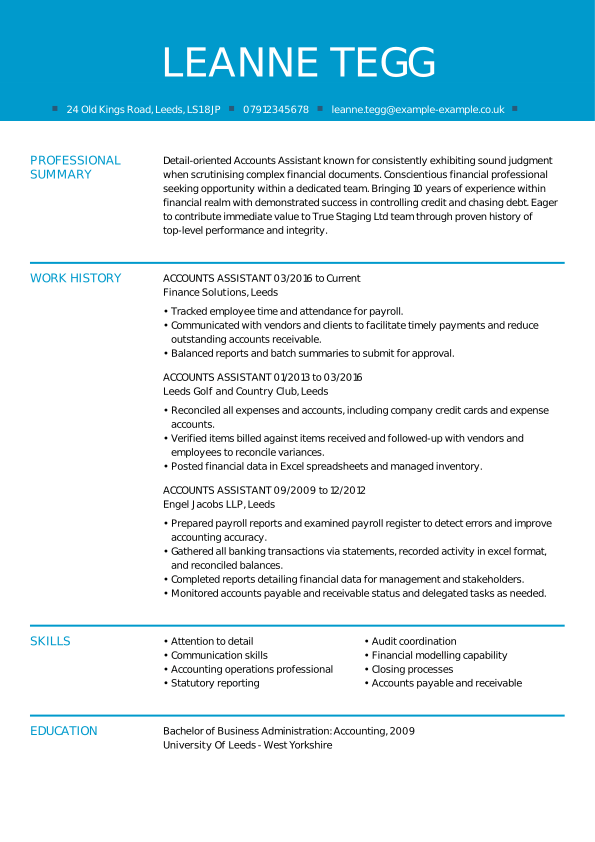
The reverse chronological CV format is the gold standard for UK job applications. Recognised as the standard UK CV format, it is overwhelmingly preferred by UK recruiters for its clarity, consistency, and professional presentation.
Even if you’ve never written a CV before, you’re likely to be familiar with a reverse chronological CV format or even have seen it in some of our CV examples.
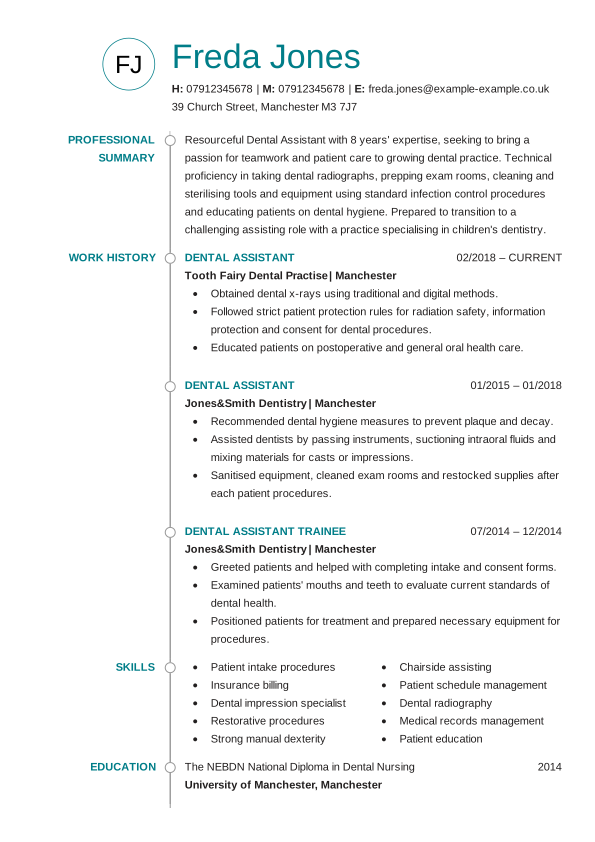
This professional CV format places your most recent experience first, giving employers an instant view of your current skills and achievements. Its logical structure makes it the most ATS-friendly CV format, ensuring automated systems can parse your details correctly without errors.
If you’re applying for roles in the UK, this is the default UK CV layout – the trusted choice for the vast majority of candidates. Other formats may suit specific cases, but for most applicants, the reverse chronological CV remains the reliable, recruiter-approved option.
Key benefits of a reverse chronological CV format:
- The chronological CV layout is well known and expected by UK employers and recruiters.
- This CV format highlights your career trajectory. If you’ve excelled and risen through the ranks, this type of CV layout highlights your progression.
- It’s a logical, simple CV layout that lists your work experience by date.
- Your most recent position is at the forefront, no matter the CV length you go for.
- Your information is arranged logically, as sections following your work experience usually appear in this order: education, training, skills, and finally hobbies or interests.
- Recruiters will not have trouble scanning this simple CV format, as the sections will vary minimally from CV to CV.
Additionally, as the most recent experience is presented at the top, employers get a sense of who you are today, not who you were 15 years ago. It’s a current snapshot of you as a working professional. I recommend a reverse chronological CV format as your first choice in most cases, as it suits the majority of candidates.
Skills-based CV format
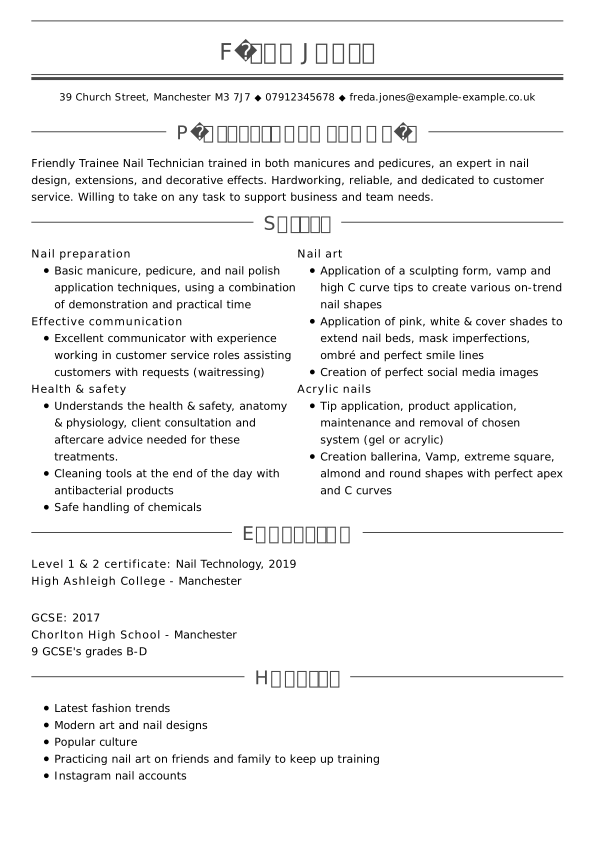
The skills-based CV format, also known as a functional CV, highlights your skills and shows the potential employer what you can do now to perform your duties well in a new role. This CV style is less common in the UK than the reverse chronological CV.
It’s a good CV format for candidates who are very new to the workforce and have minimal work experience. It can work for you if you are writing a school-leaver CV or if you have been out of work for many years. Use it wisely – this type of CV layout could also send a message that you don’t have any experience at all, even when that’s not the case.
How does it work, exactly? You add key skills at the beginning of the CV, and group your competencies into 3–4 categories. For example, under ‘communication skills’, you could say that you excelled in answering the phone and taking messages, that you are trained in the use of Office 365, and that you love meeting new people and building rapport.
Key benefits of a skills-based CV layout:
- Presents your CV skills right under the personal statement to highlight your qualifications.
- The skills section is divided into key skill groups, each followed by bullet points that prove and illustrate how you’ve applied those skills in practice.
- This CV format can benefit entry-level candidates, career changers, or people rejoining the workforce after a long absence.
Why this CV format may not be the best choice for some candidates: recruiters advise not to use a skill-based CV layout unless you have no other choice, because it’s much harder for an employer to get a sense of who you are and what you’ve achieved. It leaves a lot of questions, which the recruiter may not have time to ask.
CV layout tips for specific situations
- Entry-level candidates: the reverse chronological style is a good CV format, as long as you make the most of any volunteer positions or internships you’ve had. I recommend beefing up your skills section and adding a bit more length to your personal statement to give the hiring manager a better sense of who you are.
- Career-changers: focus on tailoring the content of your career change CV so that what you showcase is relevant to your new career path. Remove roles that don’t include transferable skills or experience. Use keywords from your new career field to help your new skills stand out, and explain why you’re the right person for the job in your personal statement and cover letter.
Best CV format templates and examples
Chronological CV format
Widely seen as the best CV layout, it highlights your career in reverse order, helping recruiters quickly follow your growth. Learn why this UK CV format remains the top choice for professionals.
European CV format
The European CV format, not to be confused with Europass, uses a standardised CV layout template recognised across Europe. Discover how it can help your CV stand out for international roles.
Two-page CV format
This two-page CV format lets you present extensive experience in a clean, ATS-friendly CV layout. Find out when this format is the right fit for you.
One-page CV format
A basic CV format for students or entry-level applicants who value clarity and impact. See how to optimise this modern CV format to catch recruiters’ attention.
Skill-based CV format
Also called the functional CV format, it spotlights your abilities rather than job titles. Learn how this good CV layout supports graduates and career changers alike.
CV layout examples
SEARCH ALL CV EXAMPLES
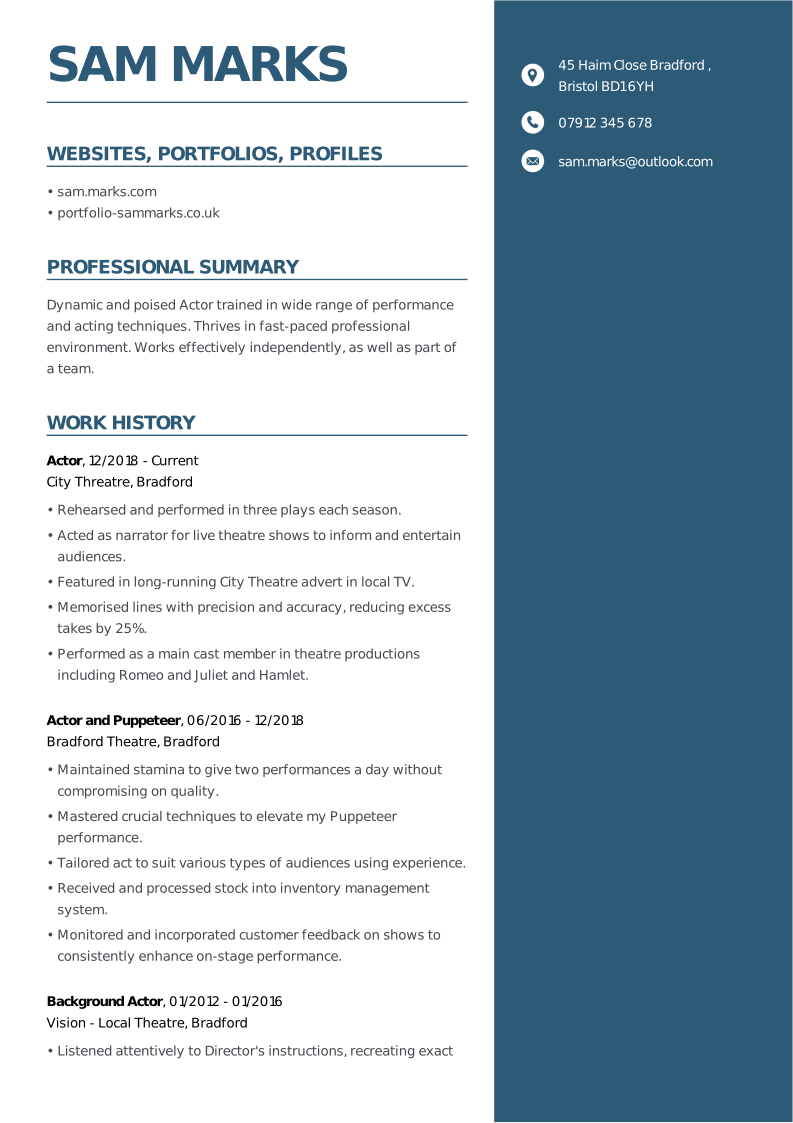
This example offers a clear and classic CV layout template. The light brown colour shows personality with a font that’s clear and easy to read. White space is used making the CV easy to scan.
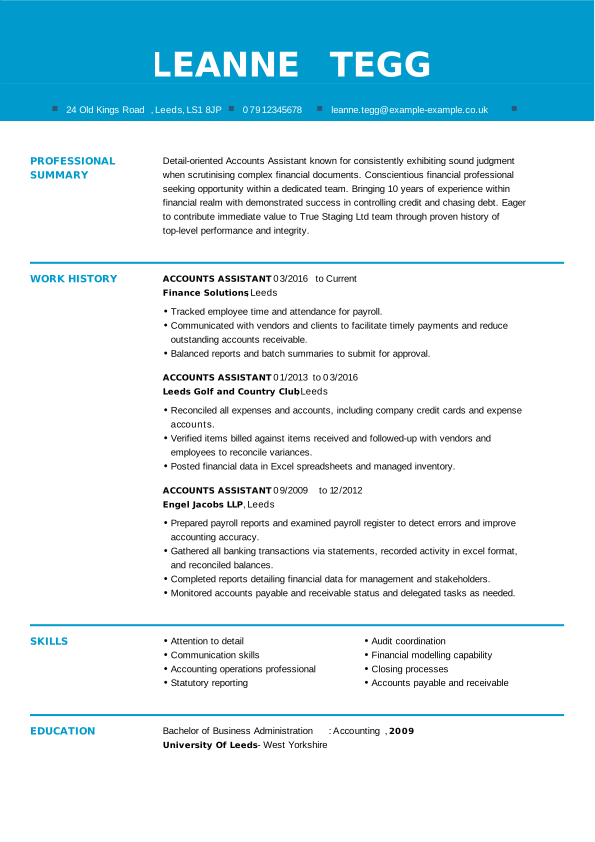
Using the reverse chronological format, this CV sample is an excellent example of a simple, linear CV. There is a good use of white space, which makes this layout a great choice for someone who is an accountant and needs to be well-organised.
This carpenter CV clearly illustrates this candidate’s experience. The font chosen is clear and easy to read—a great CV format and template. This simple CV template lets the candidate’s experience do the talking, and makes it easy for recruiters to read.
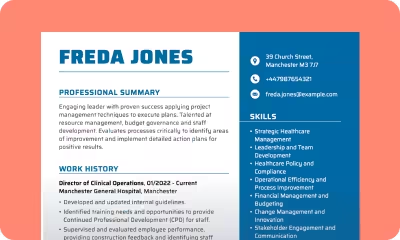
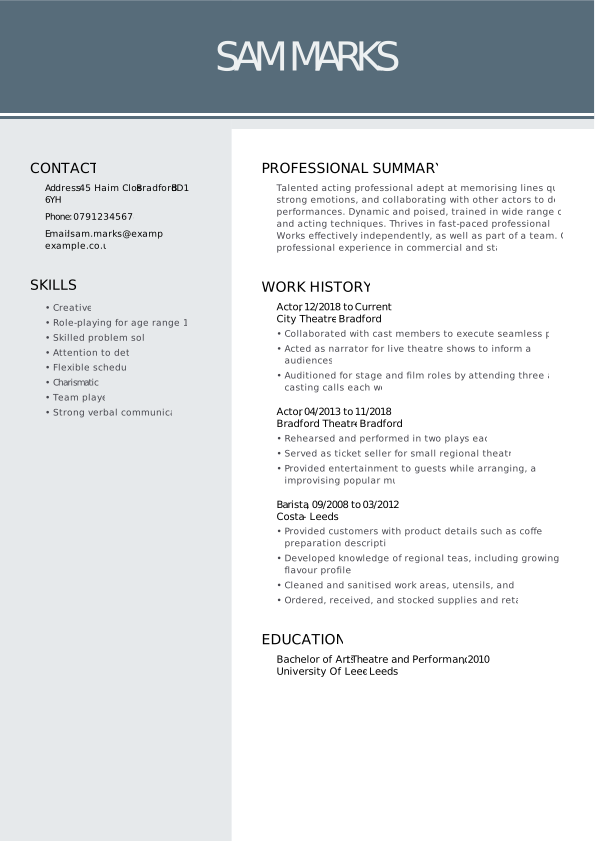
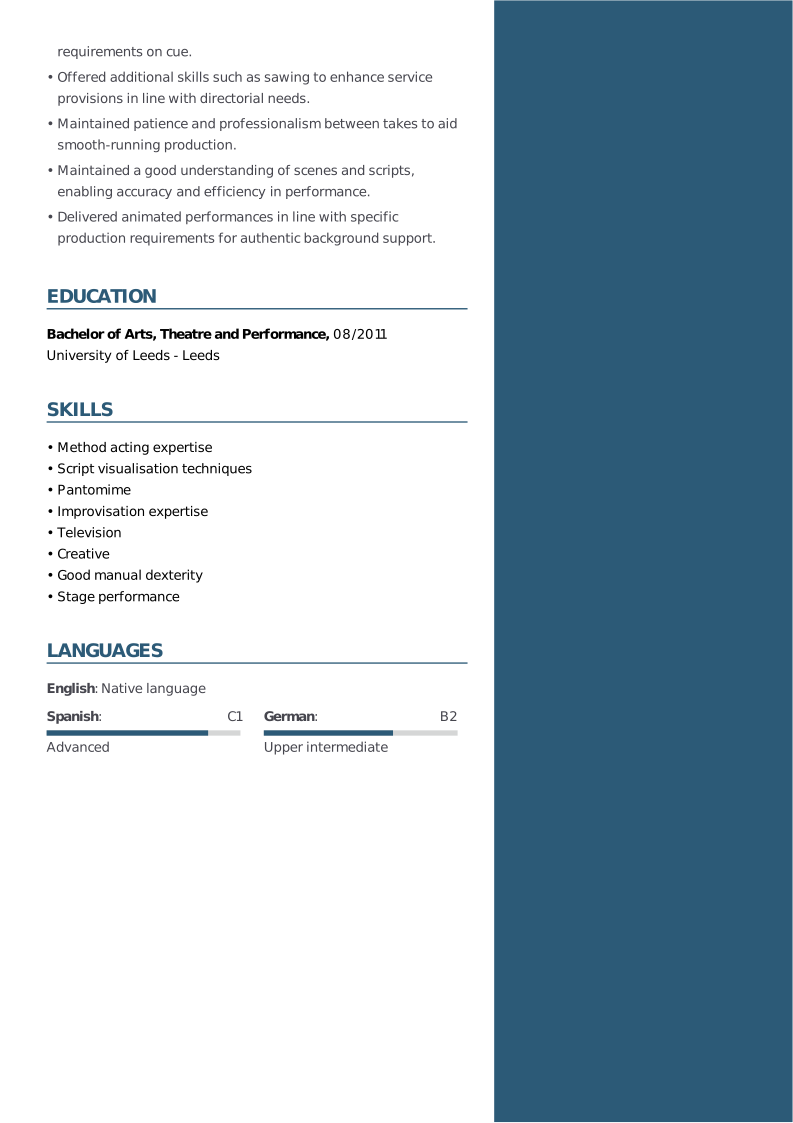
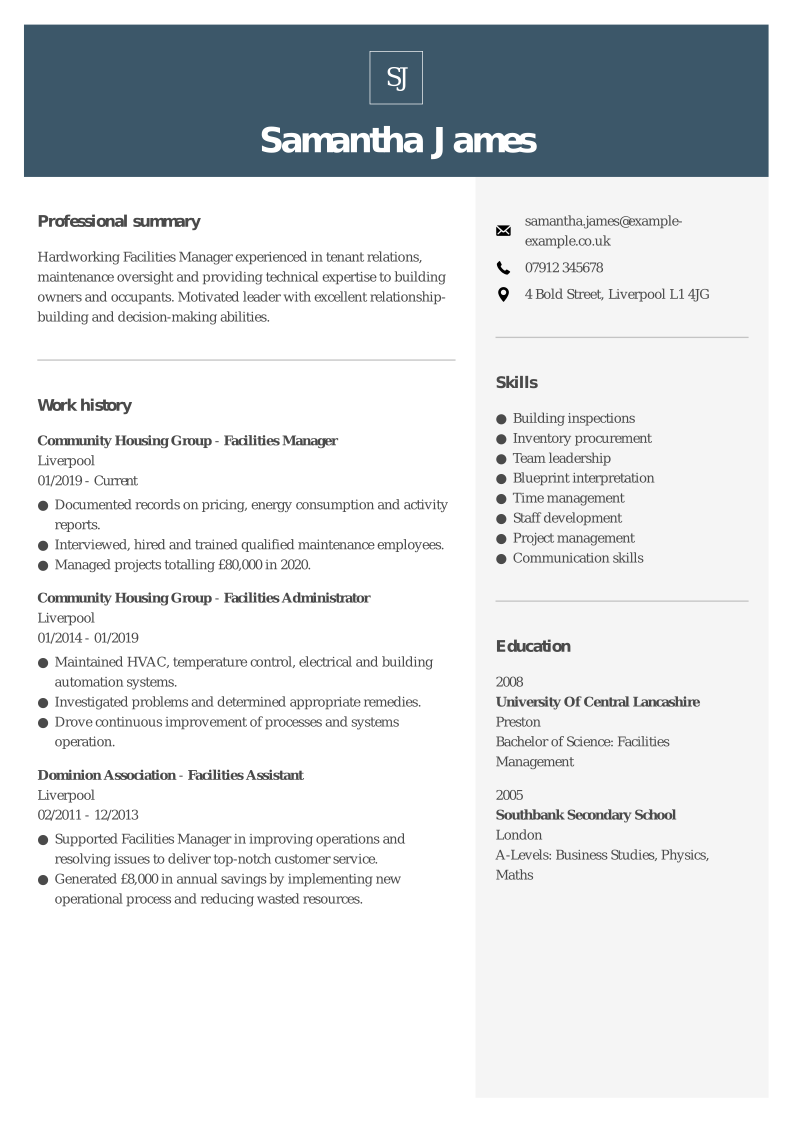
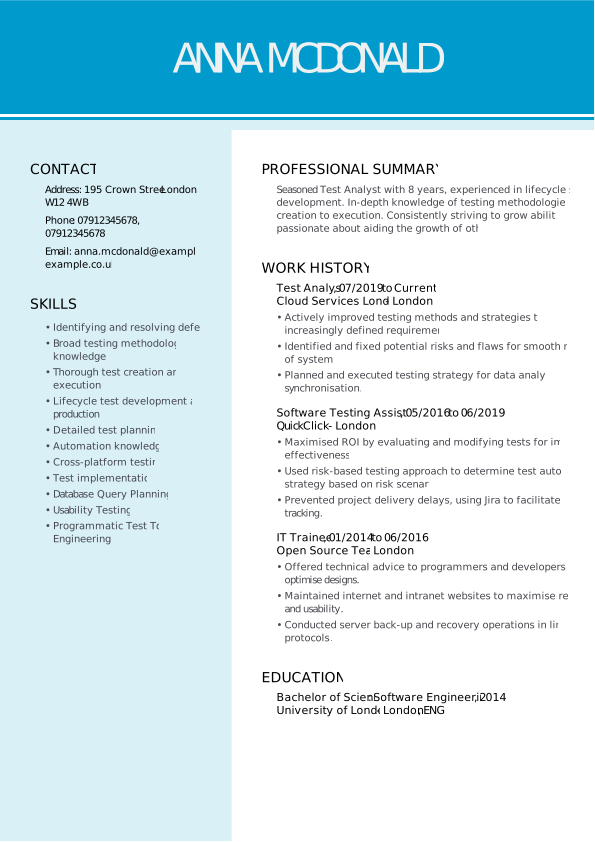
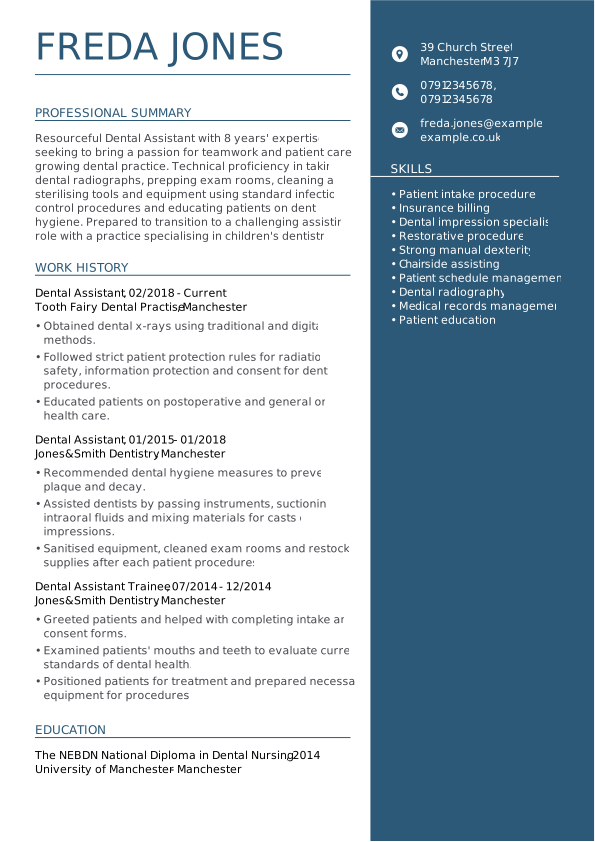
This CV format uses two columns which adds an exciting change from the usual linear designs. Contact and skills are placed to the right of the layout, which means the eye is naturally drawn straight to the personal summary and then work history. This is a practical and aesthetically pleasing CV layout suited to a medical professional
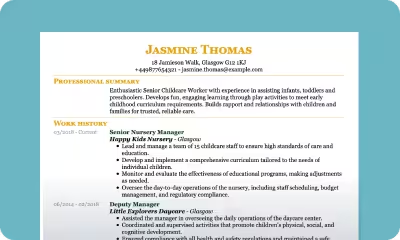
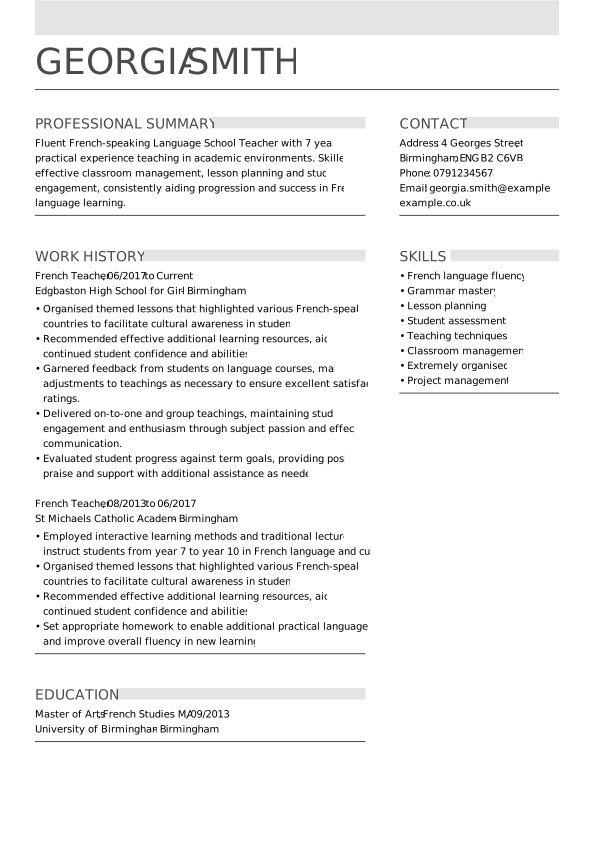
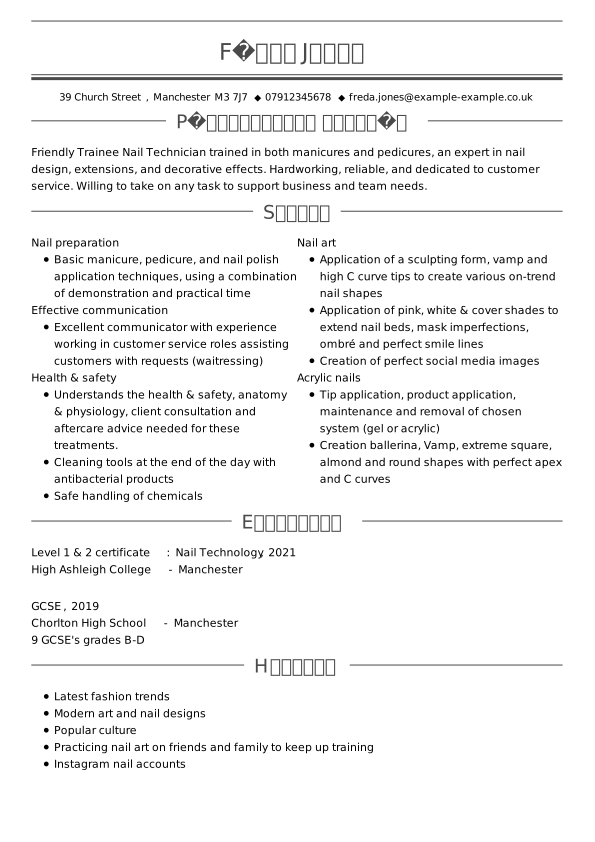
This classic British CV format screams elegance with a hint of personality. With a light use of colour in the headers, this simple CV layout is clear, concise, and well-organised – all skills that a good babysitter would bring to a role. It’s no surprise that this is one of our most popular CV layout templates.
A solid graduate CV is your ticket to your first job after university. It showcases your educational achievements to date and demonstrate how they relate to the job you’re applying for. That’s paired with your work history and any transferable skills you’ve acquired through previous roles.


How to format and structure a CV

Frequently asked questions about CV format
What is the best CV format for 2026?
The reverse-chronological CV format remains the gold standard and best CV format for 2026. It follows the standard CV layout for UK jobs, presenting your career history in a clear, logical order – ideal for recruiters and automated systems alike. This professional CV fornat showcases your experience, skills, and progression in a way that’s easy to read and trusted across all industries.
What format should a CV be in?
Most candidates should use the reverse-chronological CV format. This CV format lets you highlight your experience and education, making it suitable for all types of applicants. However, you can also use the skills-based CV format if you have transferable skills that you want to emphasise.
How to format an academic CV?
An academic CV format is typically longer and more detailed than a standard one. Follow this CV format template to create a clear, professional presentation:
- Name and contact details at the top
- Concise personal statement (around five sentences)
- Education section – listed in reverse chronological order
- Teaching experience and professional appointments, also in reverse order
- Publications, formatted as in a bibliography
- Grants, fellowships, awards, and honours
- Invited talks and conference participation (with role and date)
- Research experience and major projects
- Skills and languages, with proficiency levels
- References, including full contact details
This academic CV layout is the best format for a CV in research or higher education roles.
How to format a CV in Word?
Creating a standard UK CV format in Word is pretty simple:
- Open Microsoft Word and browse templates.
- Select the Curriculum Vitae template.
- Add your name and contact information.
- Write a short personal statement.
- List your employment history (most recent first).
- Add your skills and education, also in reverse order.
- Proofread and save your file in both Word and PDF formats.
This is one of the best and simplest CV formats for job applications, combining readability and a clean, modern design. However, keep in mind that formatting a CV in MS Word is much less intuitive and more time-consuming than creating your job application with the help of a professional CV builder.
Should you put a photo on your CV?
In the UK CV format, you generally should not include a photo. British recruiters focus on skills and experience, not appearance – so keeping a clean, professional CV layout without a picture is the standard and most widely accepted approach.
What sections should a UK CV have?
A standard UK CV format should include these key sections:
- Contact details
- Personal statement or CV summary
- Work experience (in reverse chronological order)
- Education and training
- Skills and achievements
- Optional: Hobbies or interests
This structure follows the best CV layout for presenting your experience clearly and professionally.
Do I need to tailor my CV for each job?
Yes – every application deserves a tailored version of your CV format. Customising your UK CV layout with keywords from the job description shows employers that you understand their needs and makes your CV more ATS-friendly, increasing your chances of getting noticed.
How long should my CV be?
The ideal UK CV format is one to two pages long. A one-page CV format works best for students or entry-level candidates, while experienced professionals can use a two-page CV format to highlight more achievements without overcrowding the layout.
Should I include references in my CV format?
You don’t need to list references directly in your CV format template. It’s enough to state “References available upon request” – this keeps your professional CV layout clean while leaving space for more relevant details, such as skills and experience.
What’s the difference between a CV format and a resume format?
In the UK and Europe, a CV (curriculum vitae) is the standard job-search document. It offers a detailed overview of your career, education, and skills, typically in the reverse-chronological CV format preferred by UK employers.
A resume format, on the other hand, refers to the layout of a resume – the equivalent of a CV used mainly in the United States and Canada.
*The names and logos of the companies referred to above are all trademarks of their respective holders. Unless specifically stated otherwise, such references are not intended to imply any affiliation or association with myperfectCV.