
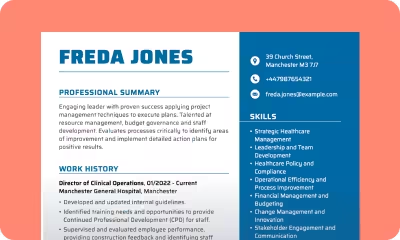
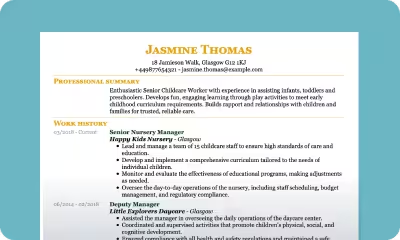
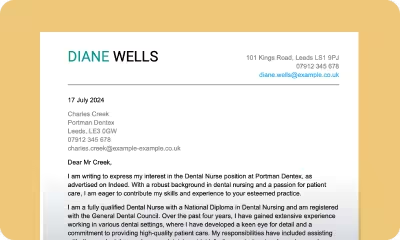
Free Word CV Templates to Download Today
Discover free Word CV templates for global job markets. Choose a design, download it, and create a polished Word CV quickly with simple, ready-to-use CV templates for Word.

- Our customers have been hired by : * Foot Note
Looking for a quick and simple way to create your CV? Our free Word CV templates are professionally designed to give you a head start. All of our CV templates are easy to edit and fully customisable.
people are creating their CV with myPerfectCV now
*The number shown results from a predefined calculation based on the average yearly traffic. The actual number may differ.
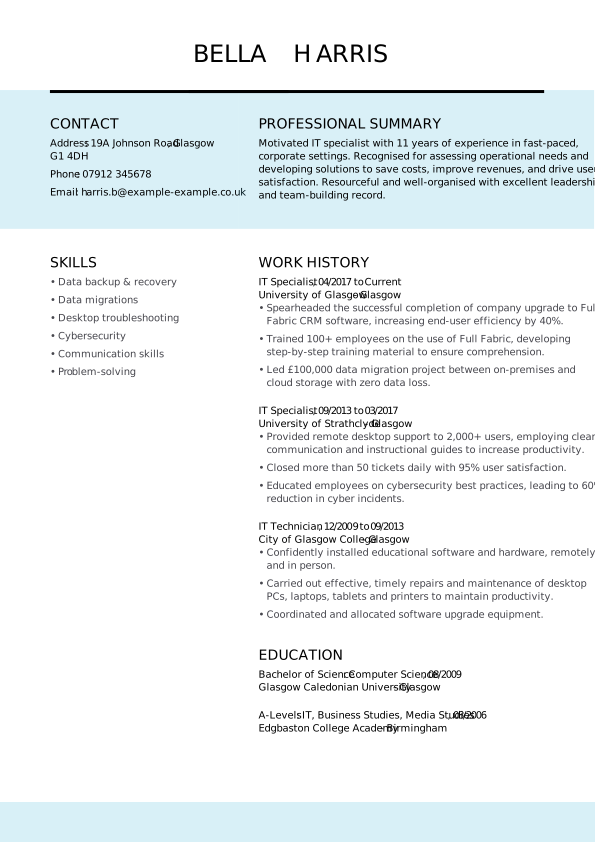
Free Word CV templates to download—UK formats
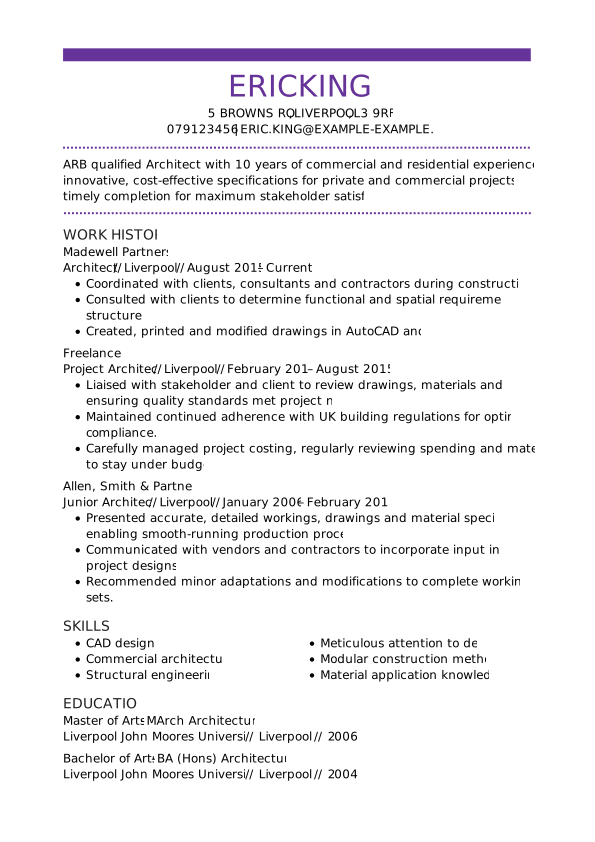
Our free Word CV templates make it easy to create a professional CV without worrying about formatting. Each Word CV can be edited directly in MS Word and follows UK standards. Our collection of British CV templates includes both modern and traditional designs, helping you craft the perfect CV for UK jobs.
SEARCH ALL CV EXAMPLES
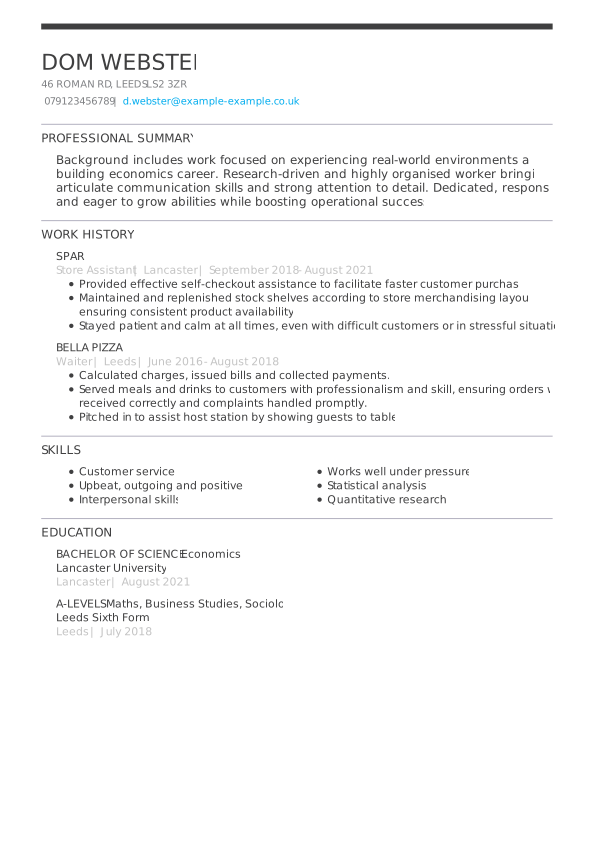
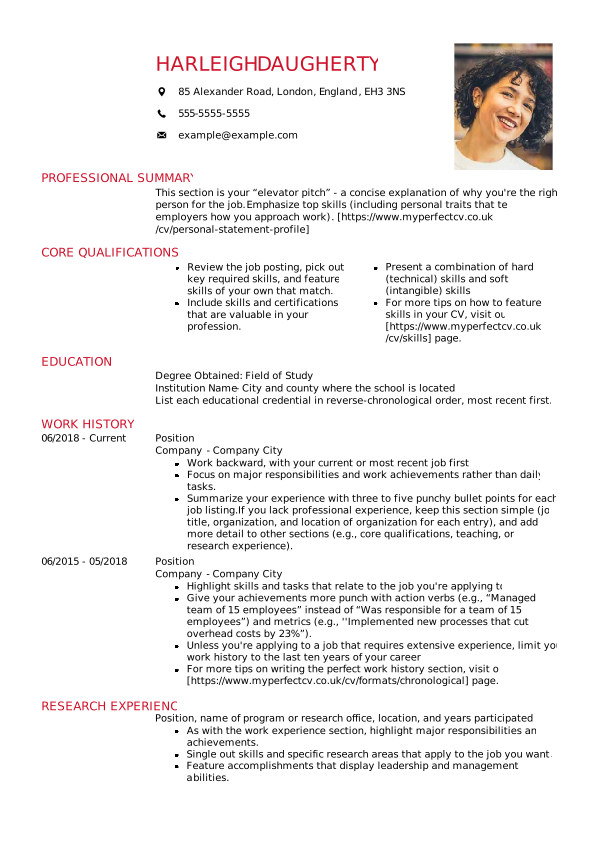
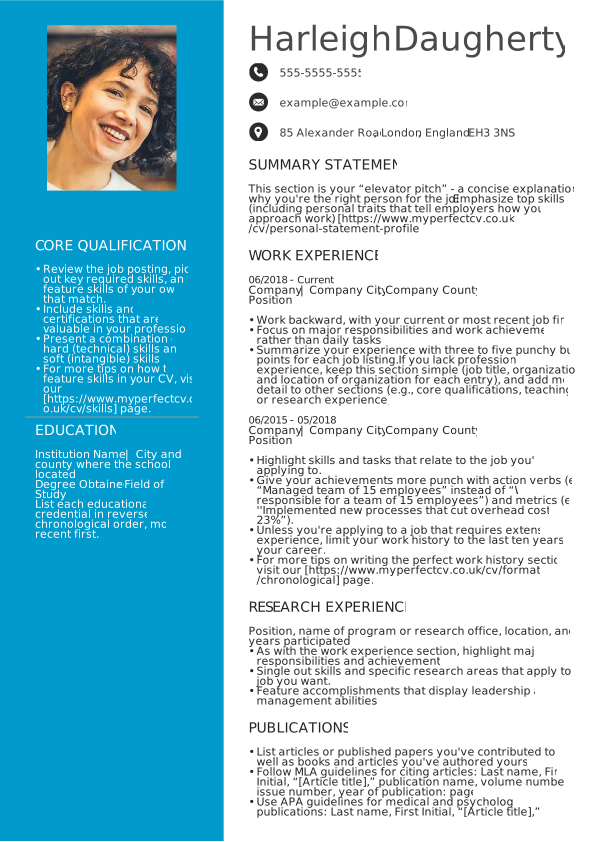
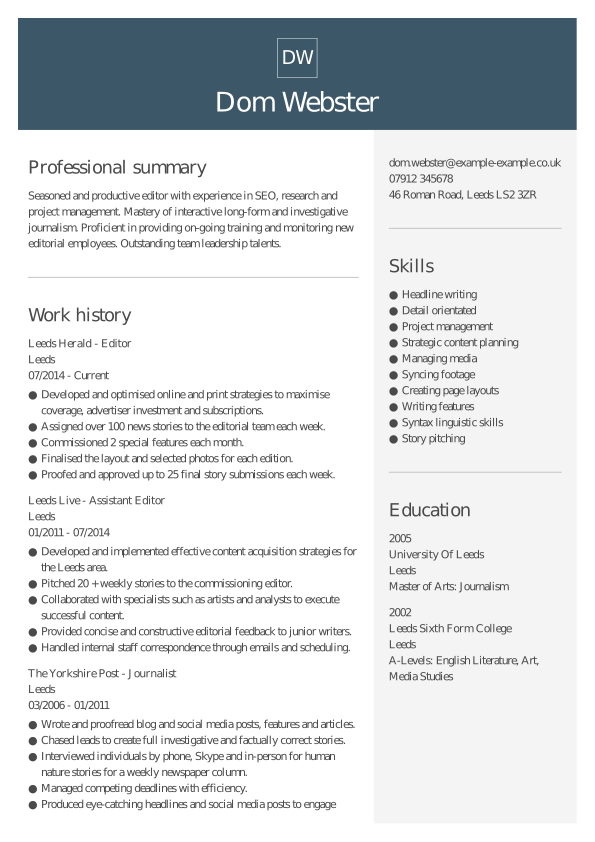
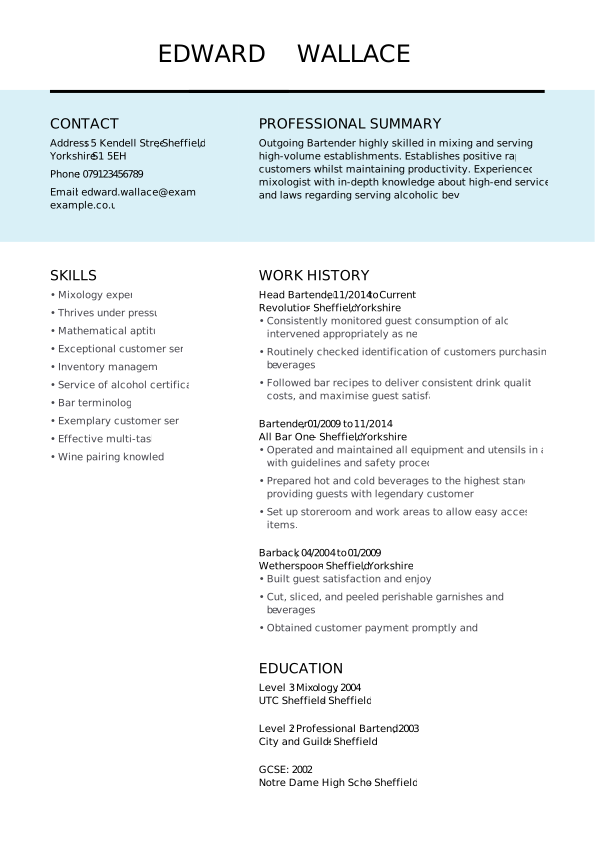
Student free Word CV template
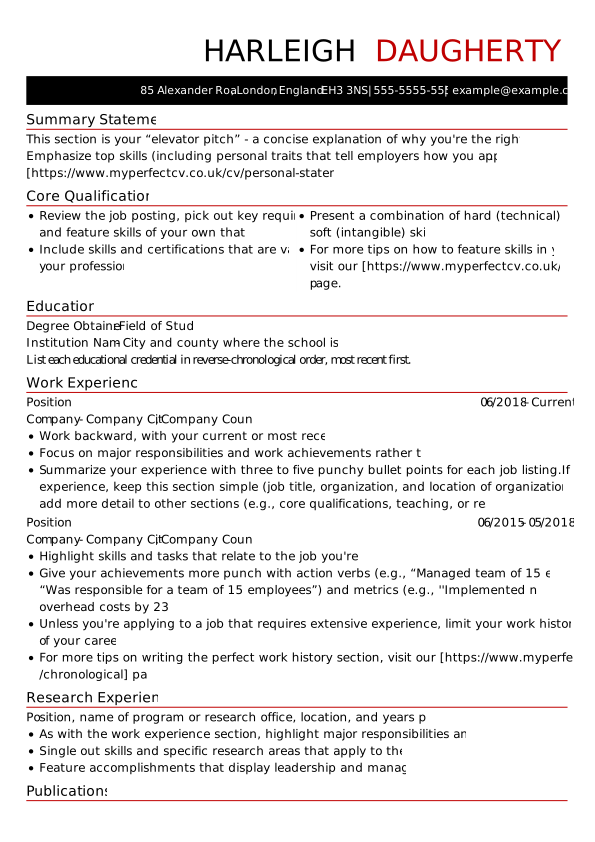
Sharp free Word CV template
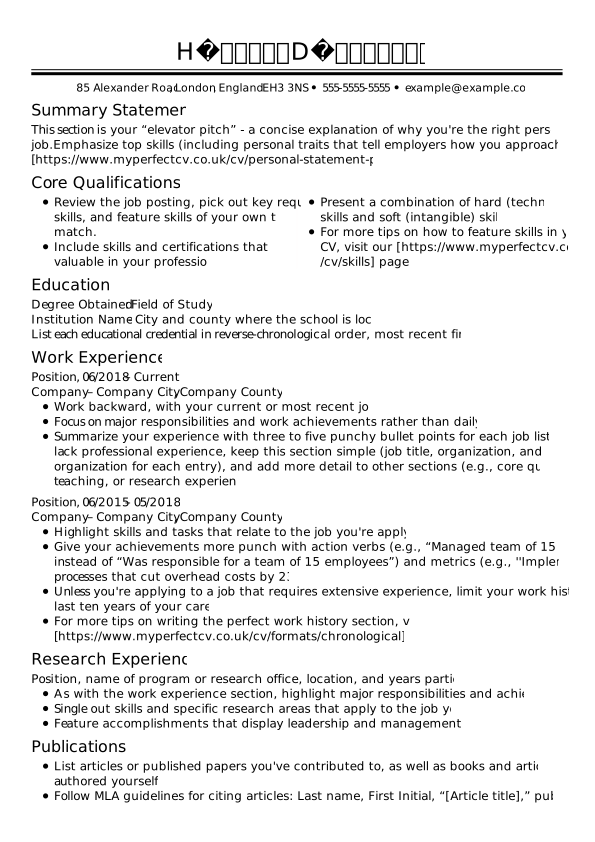
Traditional free Word CV template
Creative free Word CV template
Modern free Word CV template
Prominent free Word CV template
Manager free Word CV template
Restrained free Word CV template
Centred free Word CV template
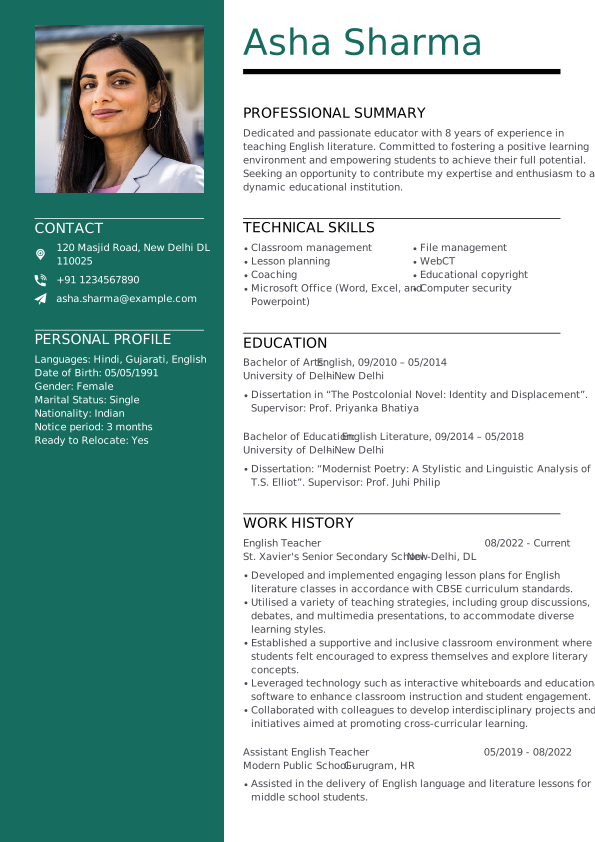
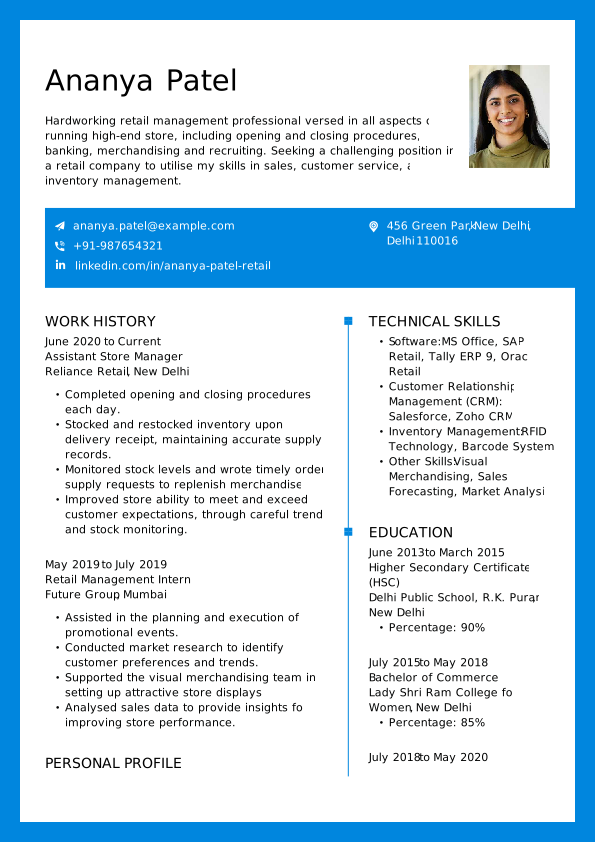
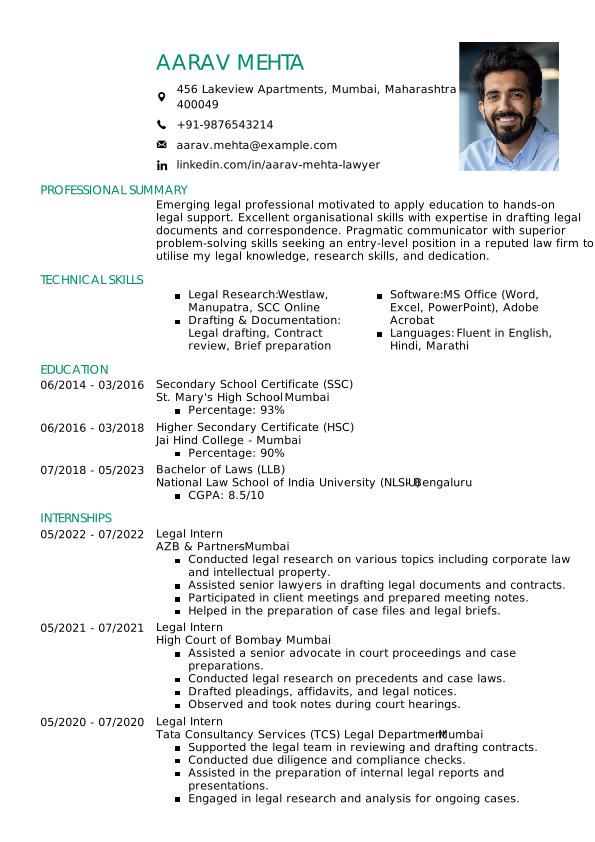
CV template Word—Indian formats
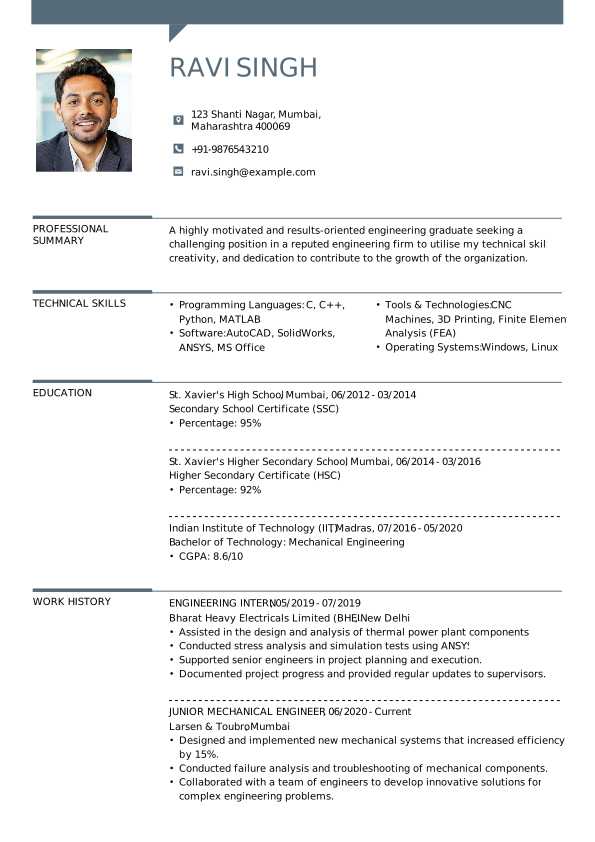
Find the right Word CV format for Indian professionals with our tailored Word CV templates. Designed for strong first impressions, they make it easy to showcase your work experience and job skills in a structured way that helps you secure job interviews.
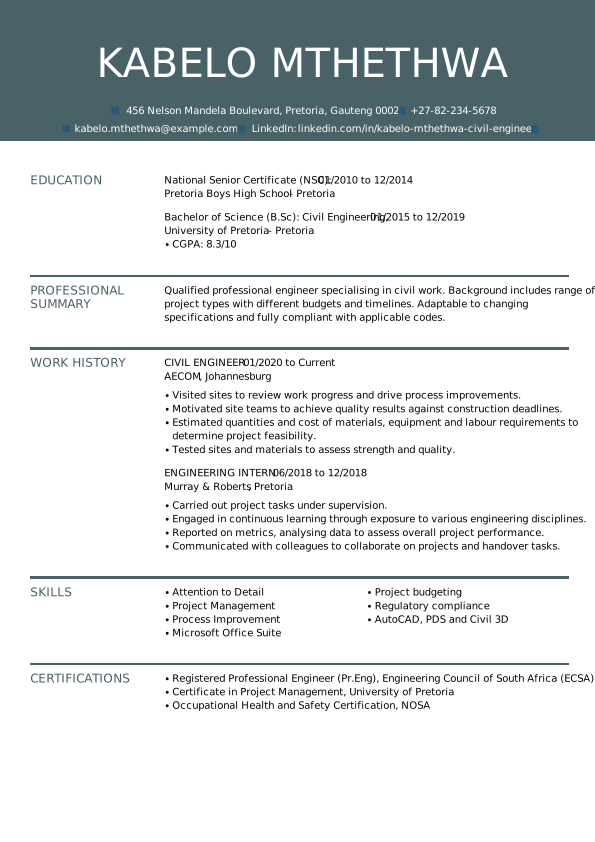
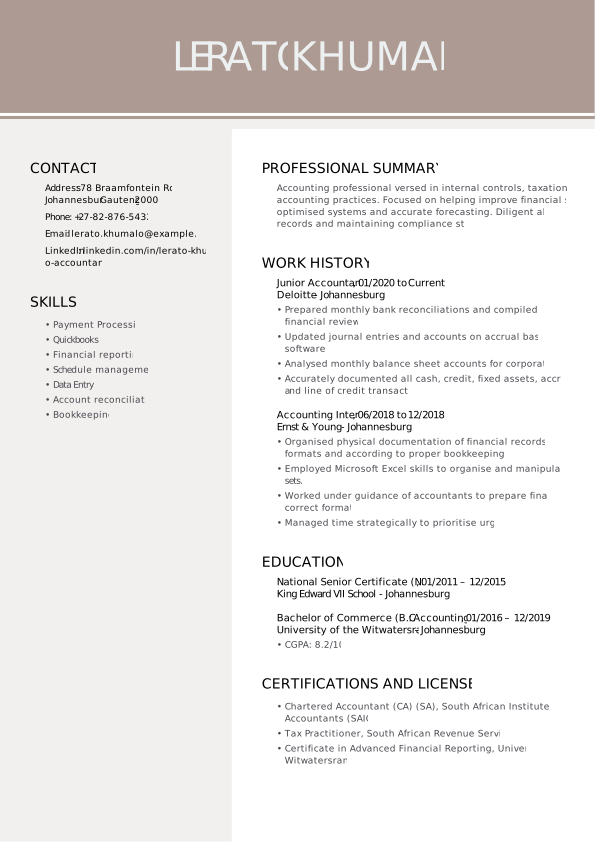
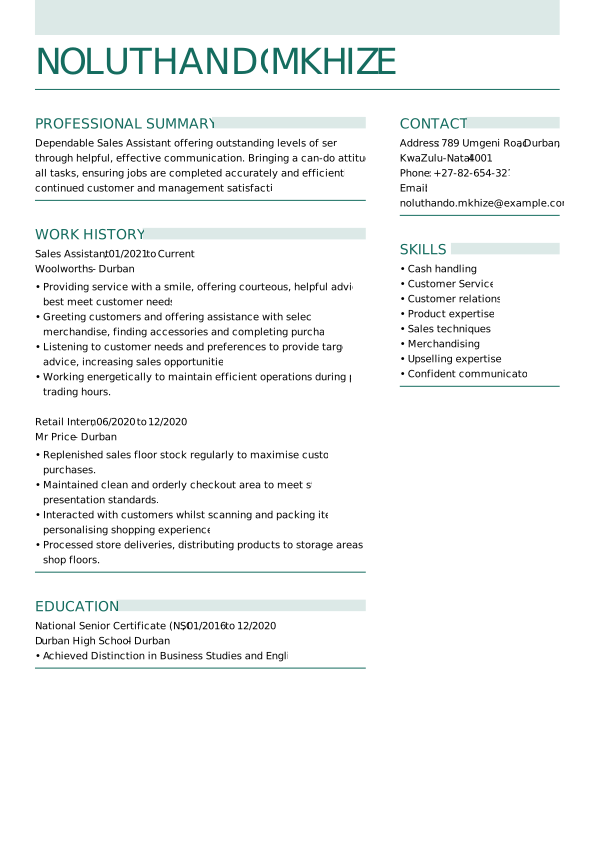
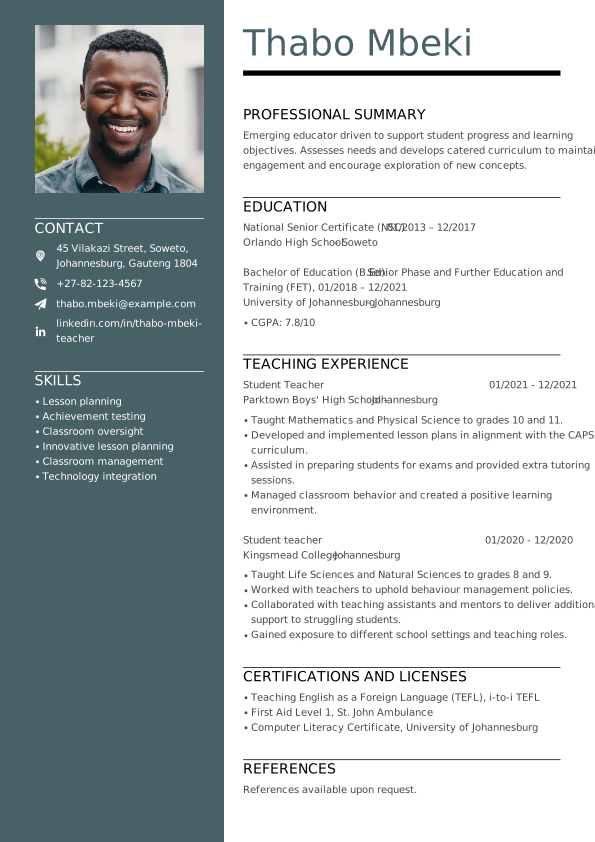
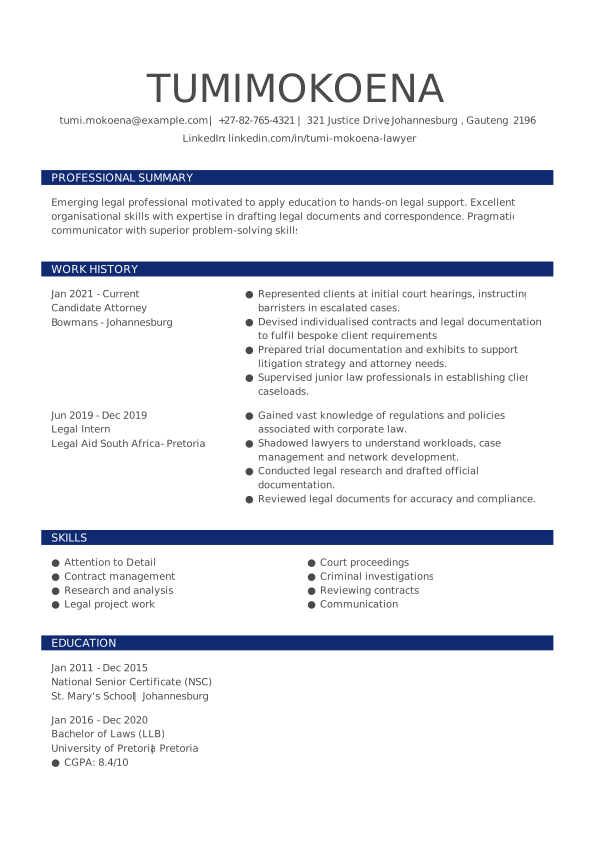
CV template Word—South African formats
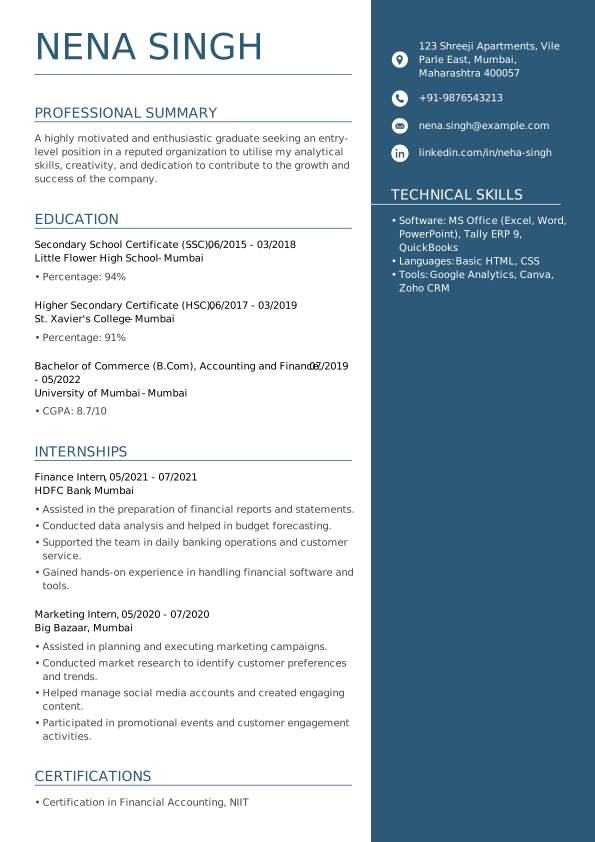
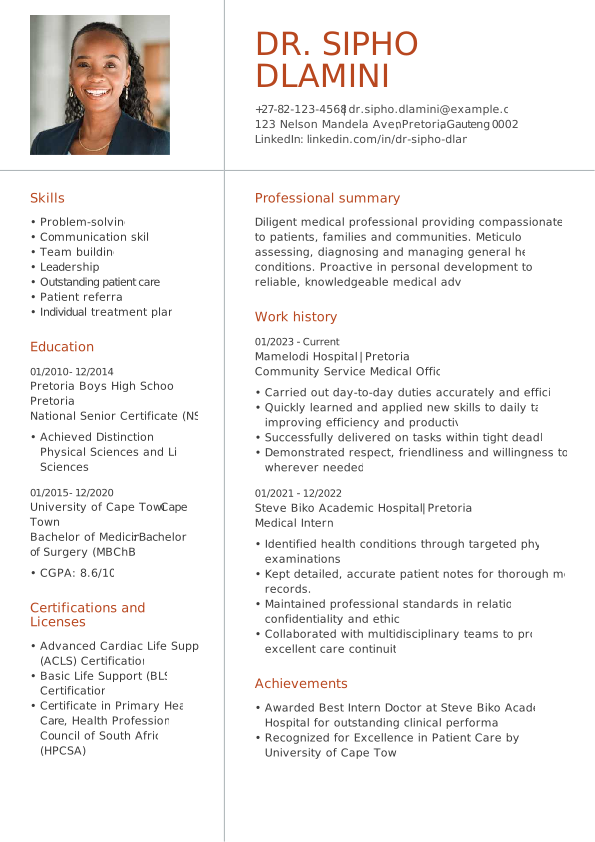
Our South African CV templates are built for candidates aiming beyond local roles. Aligned with global standards, MyPerfectCV’s Word CV templates make it easier to showcase your qualifications and score high-paying jobs.
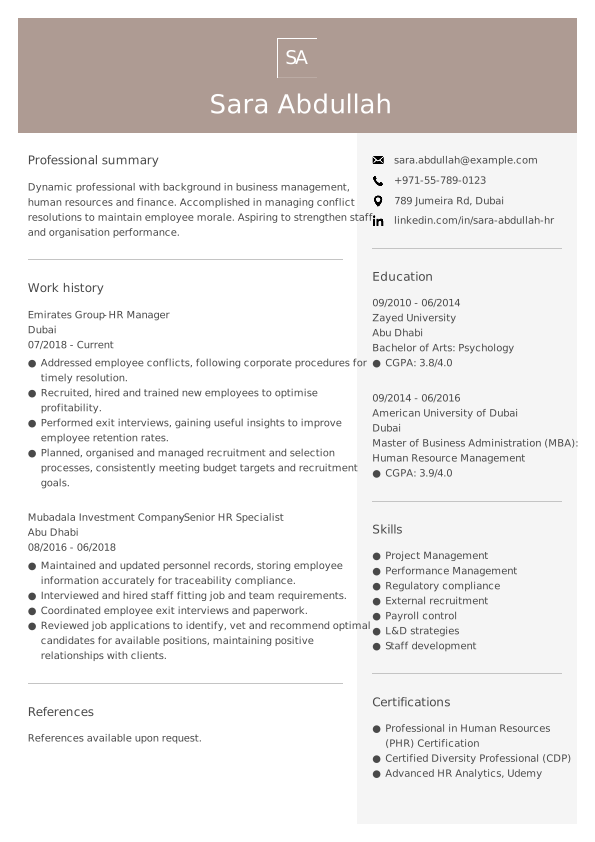
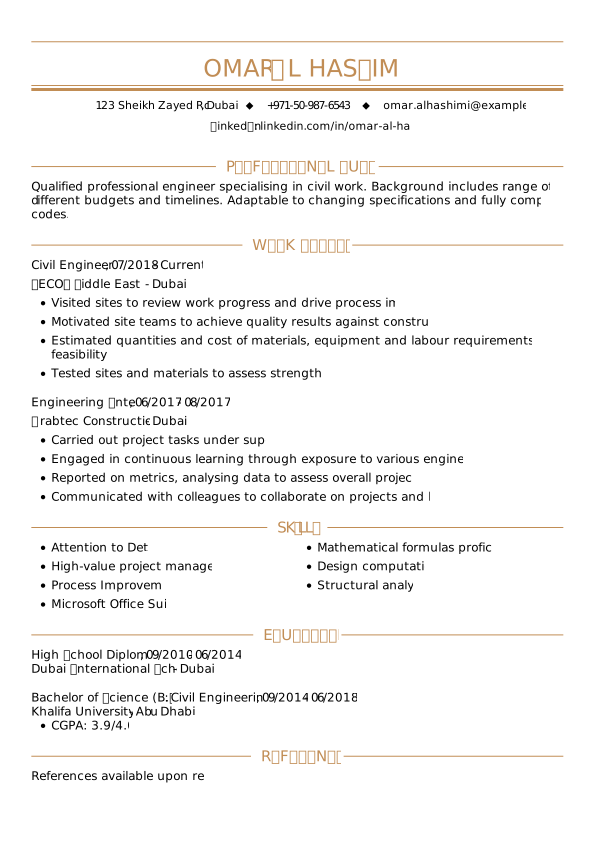
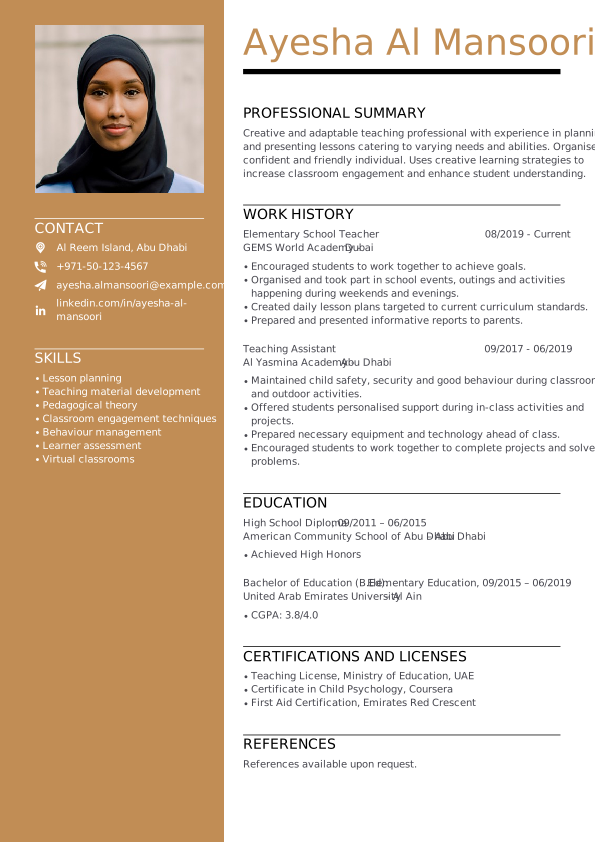
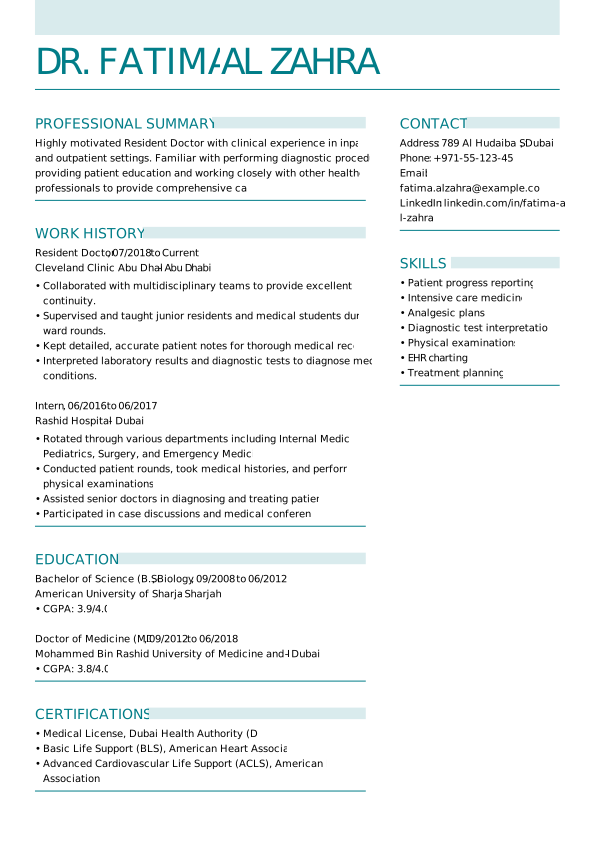
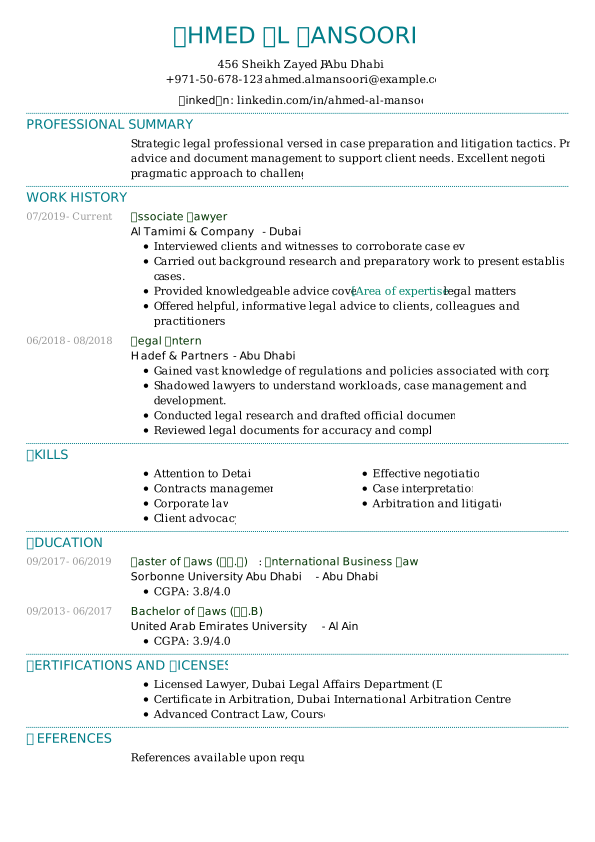
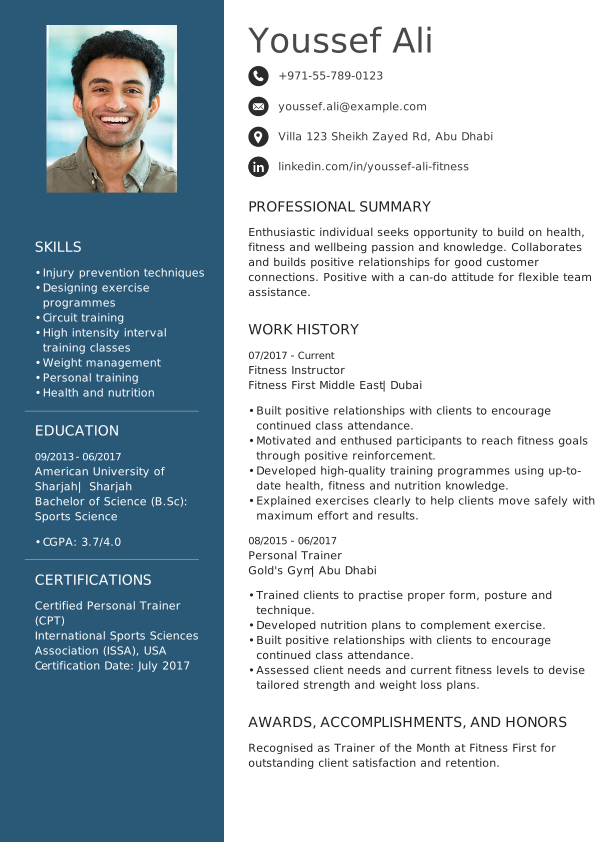
CV template Word—UAE formats
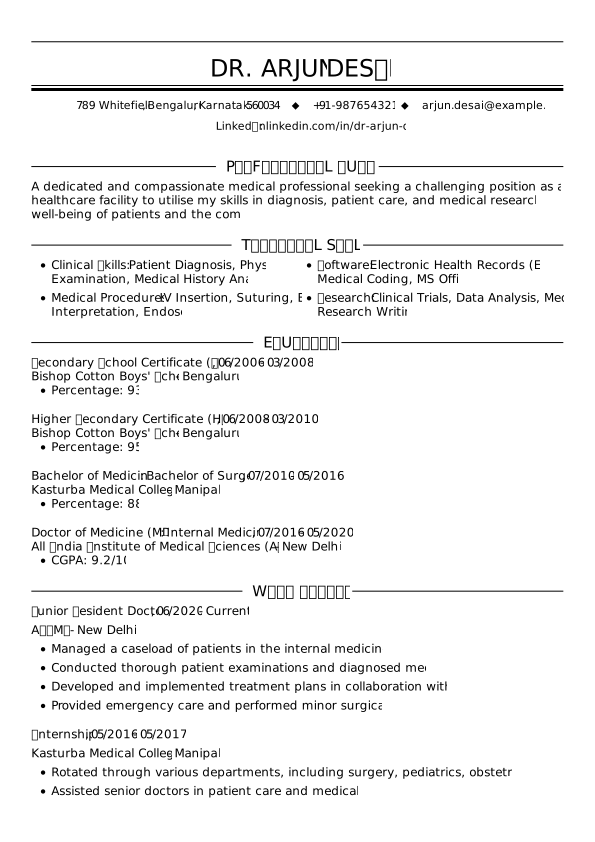
Our Word CV templates for UAE candidates are designed to match international standards while reflecting the expectations of local employers. With a wide selection of designs tailored to different industries and career paths, these Word CV templates simplify the CV writing process.
How to get a Word CV template from MyPerfectCV
At MyPerfectCV, we make it simple to start with a professional CV template for Word. In just three easy steps, you can download a Word CV template, customise it, and move one step closer to your next job. Here’s what to do:
Choose the Word CV template that fits your profession and style.
Download the template instantly in Microsoft Word format.
Open it in Word, personalise it with your details, and tailor it to the role you want.
That’s it! Now you’re ready to present your skills and experience in a Word CV that is polished and professional.
How to use built-in Word CV templates in Microsoft Word
If you’d prefer to start directly in Word, you can also use the program’s built-in CV layouts. While they are more basic than our professionally designed options, they can still give you a quick starting point for your CV.
Here’s how:
- Open Microsoft Word.
- In the main menu, click File > New.
- Type “CV” or “resume” in the search bar.
- Browse the available Word CV templates and pick one you like.
- Open the template and replace the placeholder text with your own details.
This method is convenient if you want to work entirely within Word, but keep in mind that these built-in templates are limited compared to the tailored Word CV templates available on the MyPerfectCV builder.
Premium Word CV templates
Our premium Word CV templates give your application a professional edge, with 55+ unique designs to choose from. Build your CV using expert tips and pre-written content, then download it in Word, PDF, SVG, and JPG CV formats. You can always return and update your CV anytime with MyPerfectCV’s app (or directly in our online CV maker) as your career progresses.
Which Word CV template is best for you?
Finding the right CV structure can make all the difference. MyPerfectCV’s premium Word CV templates come with profession-specific hints and suggestions, helping you write the perfect CV in minutes.
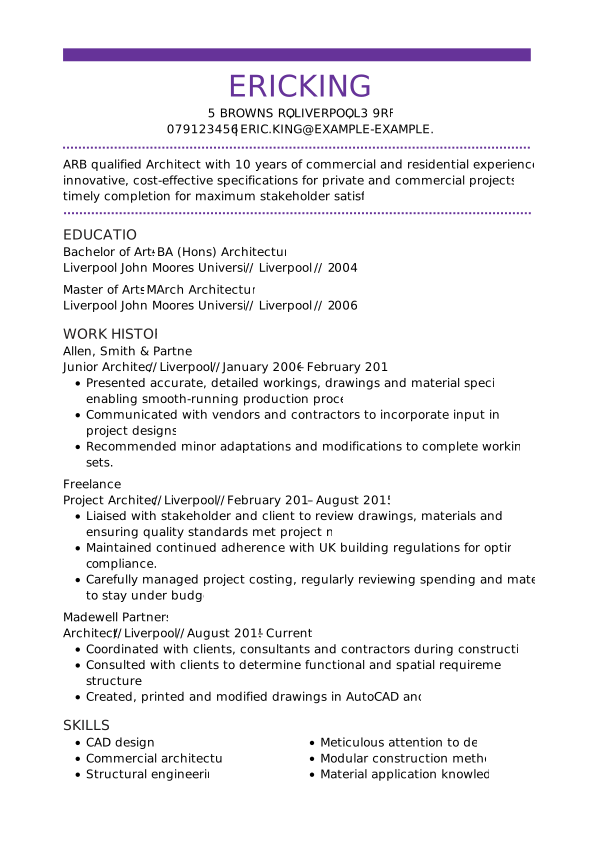
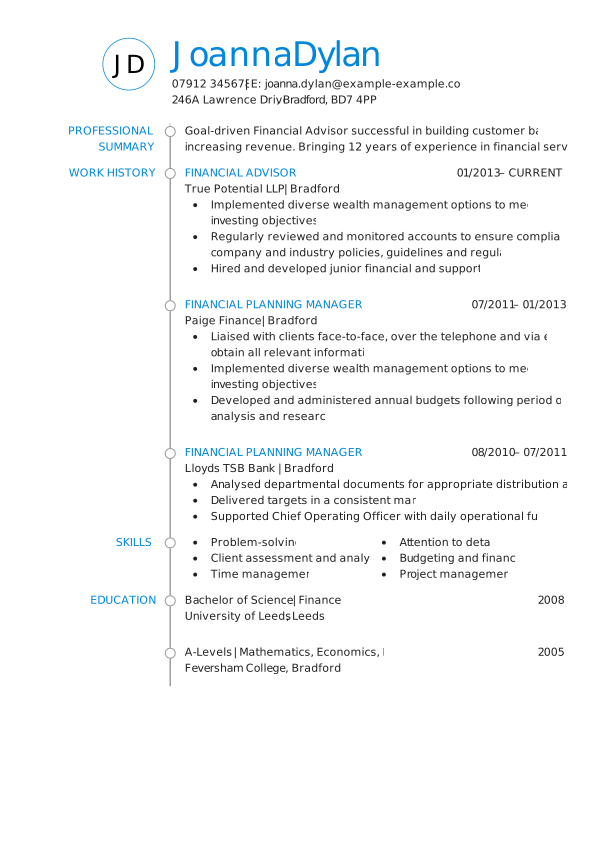
CV Word template in Bold style
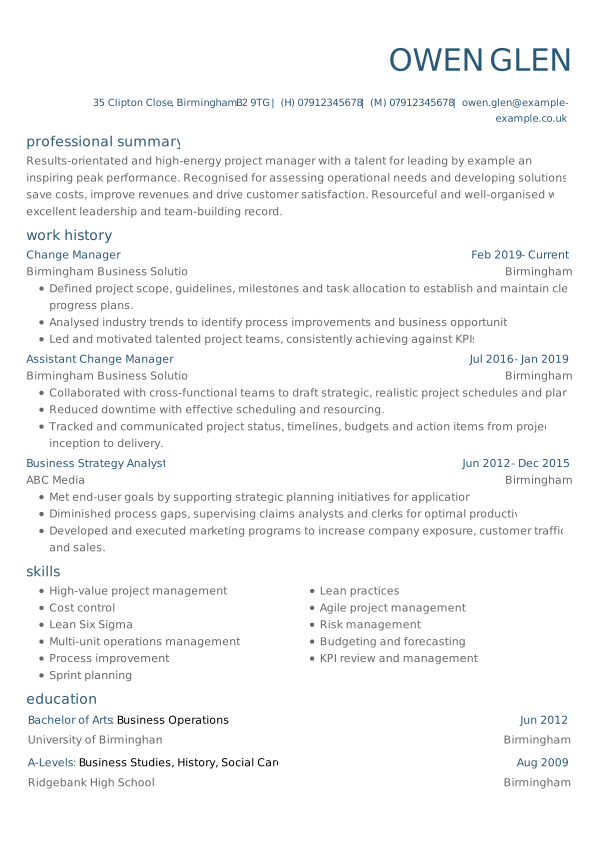
This is one of our most universal templates. It suits all kinds of professions and experience levels, even if you’re writing your first CV. Try this Word CV template for:
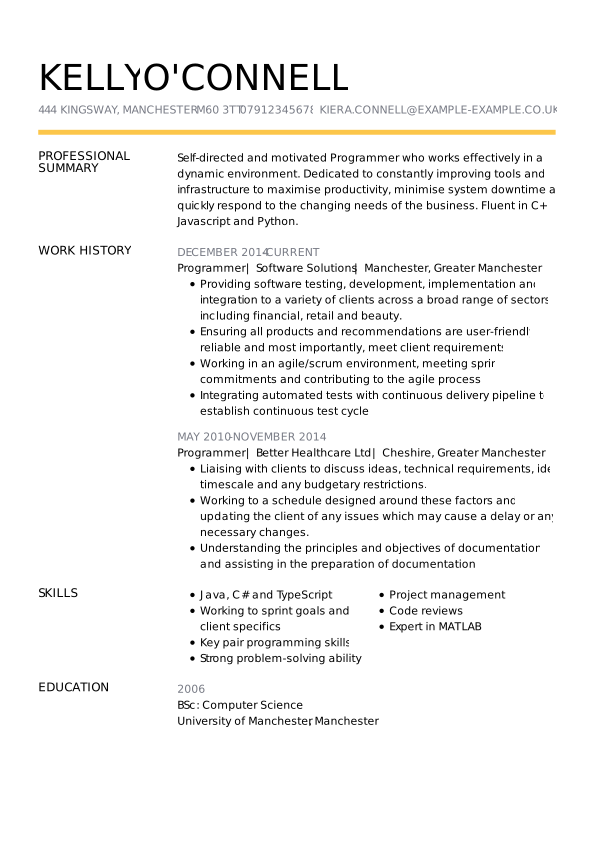
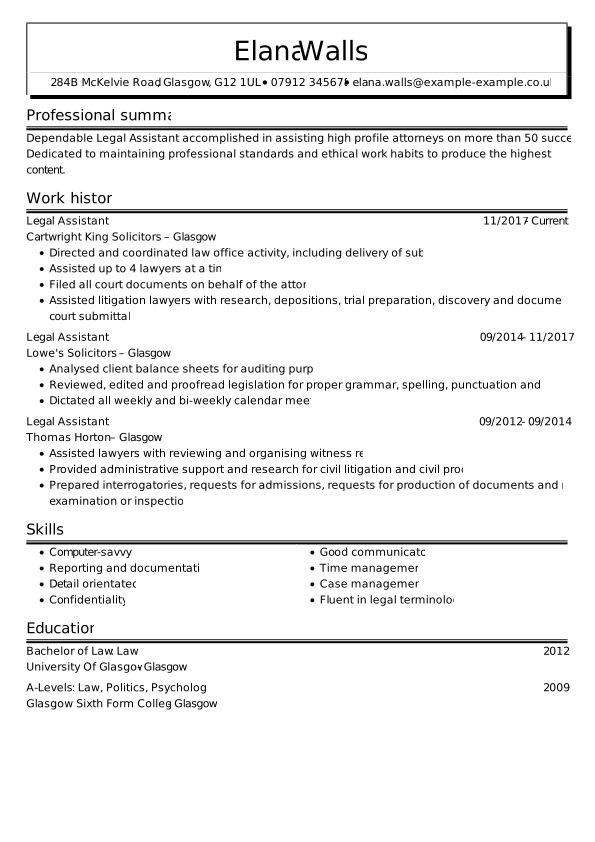
CV Word template in Conservative style
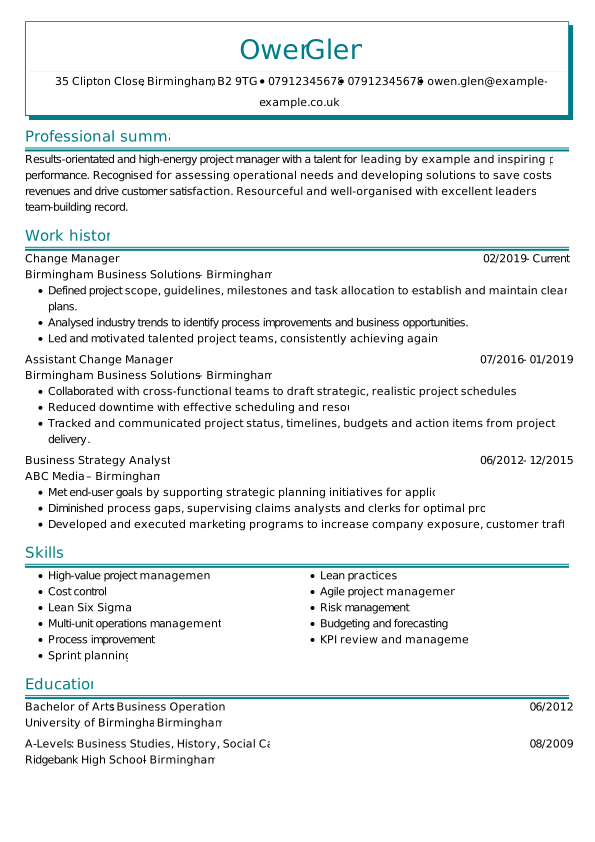
This Word CV template exudes professionalism and classic elegance. It’s perfect for more formal office jobs that require organisational skills. We recommend it for:
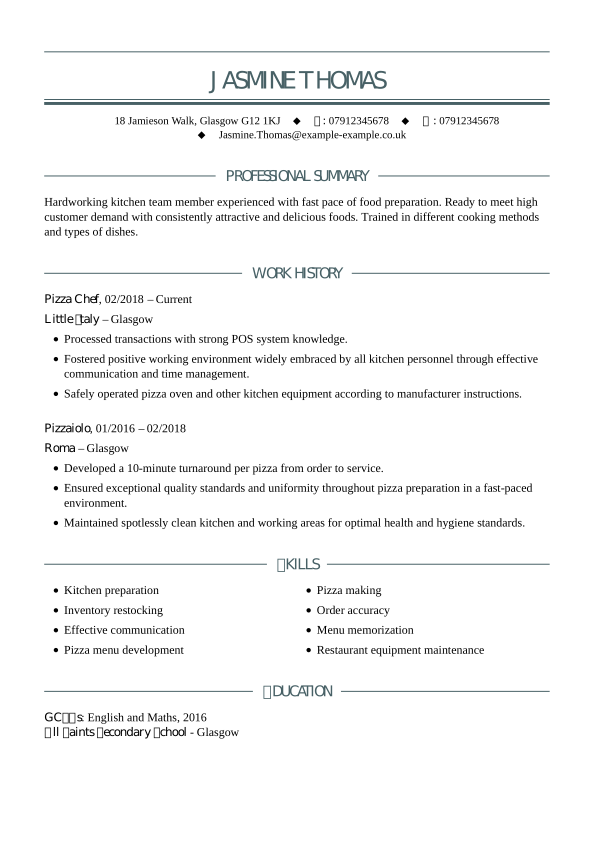
CV Word template in Contemporary style
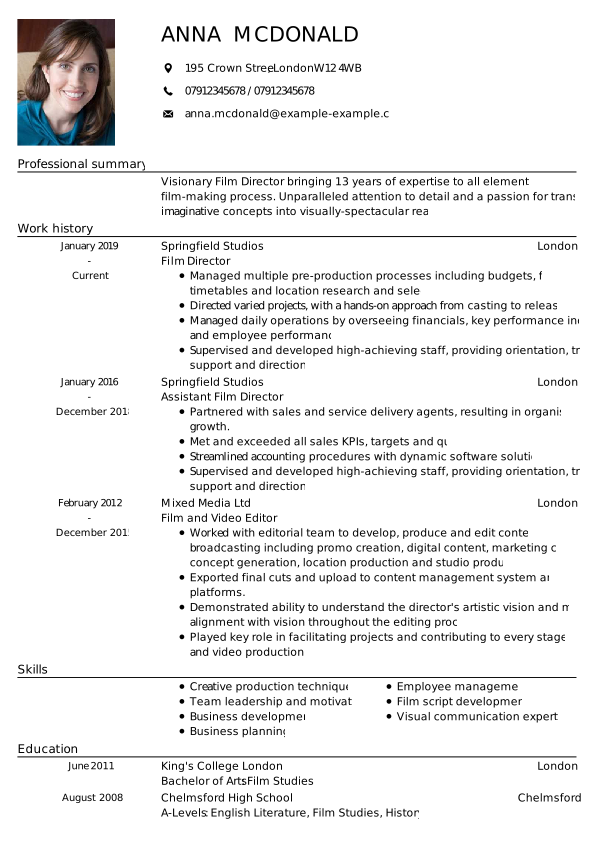
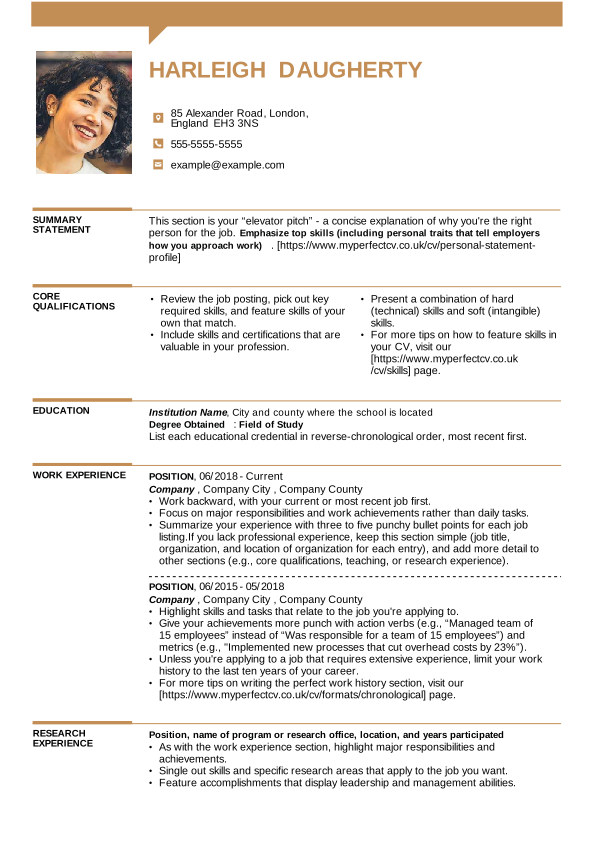
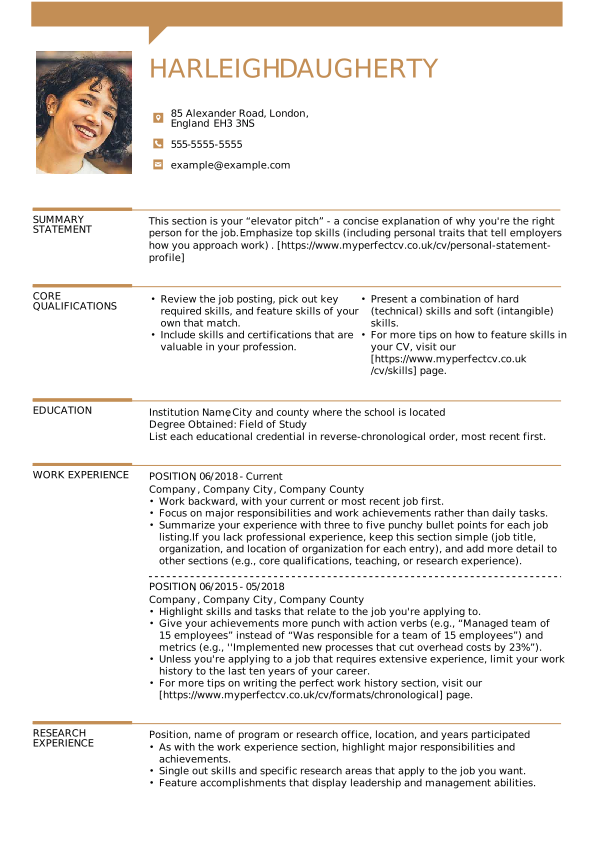
The professional layout of this template is sure to make you stand out in fast-paced industries. This modern Word CV template enables you to add a photo to your CV. Use this template for:
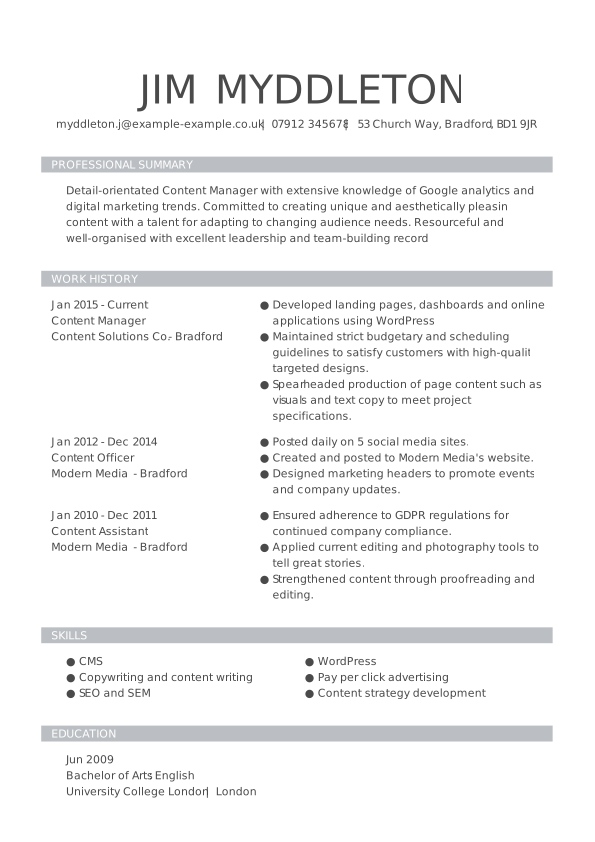
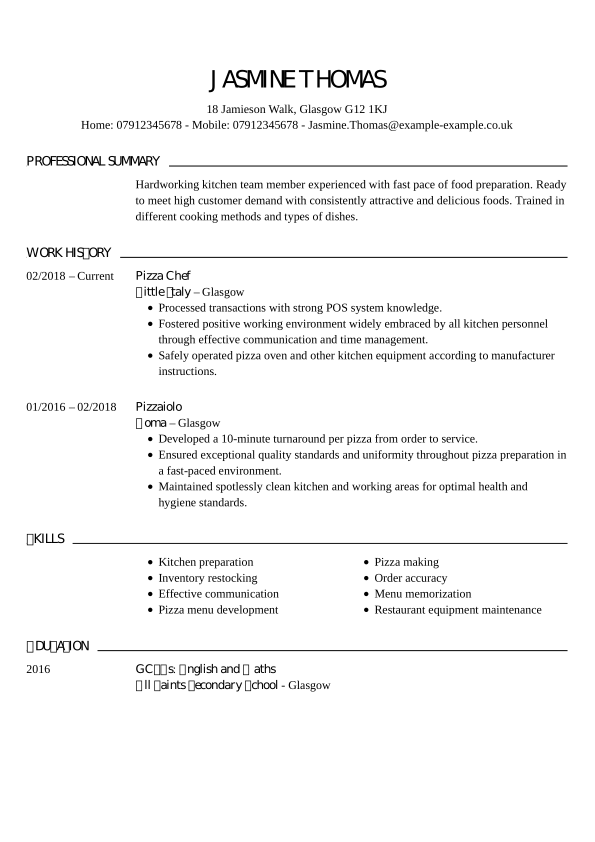
CV Word template in Cool style
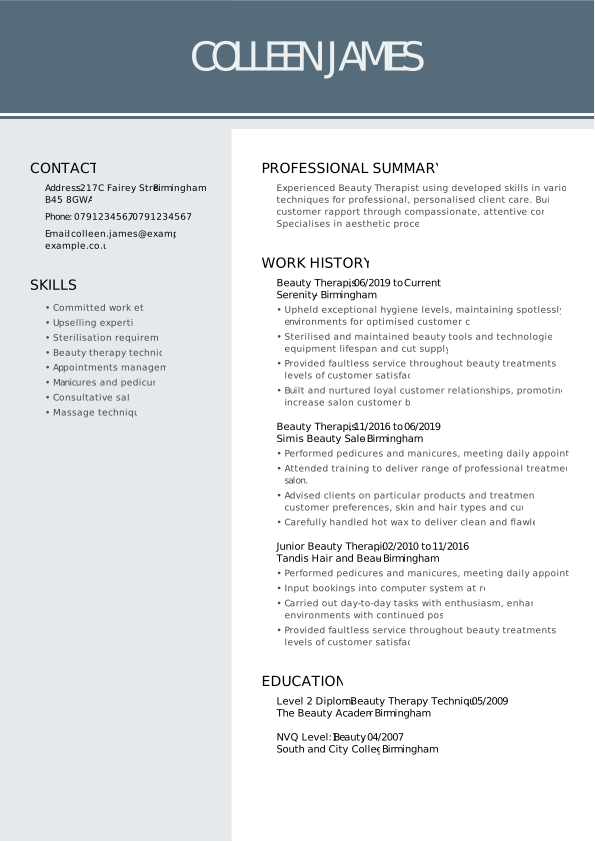
Thanks to the smart layout with a side column, you have enough space to display all your extensive work experience without overwhelming the document. Give this Word CV template a try for:
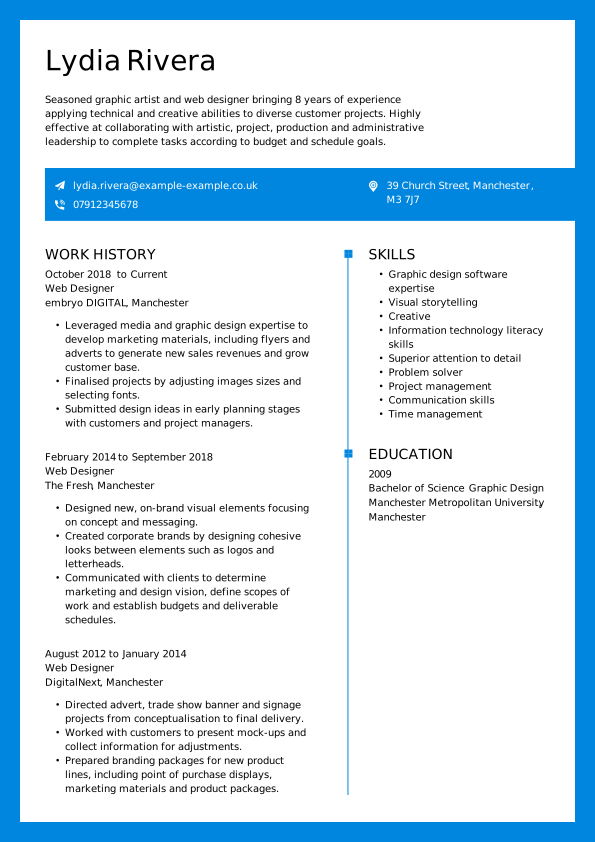
CV Word template in Trendy style
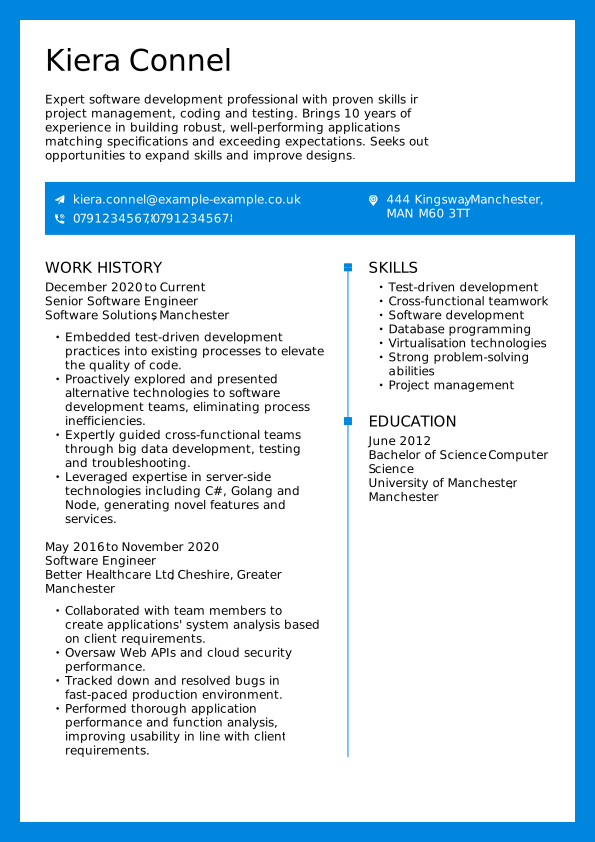
This template with a hint of colour exudes positive energy. It’s ideal for jobs that require interpersonal skills, and it lets you add a photo. Try this Word CV template for:
When you should use free Word CV templates
Not sure which type of template fits your needs best? Both free and premium Word CV templates can help you create a professional document. Here are the benefits they provide:
3 reasons to use a free Word CV template
- Quick and simple: Ideal if you want to create a CV fast, and design isn’t your top priority. Just download, fill in your details, and you’re done in 10–15 minutes.
- Perfect for first jobs: If you’re applying to many roles with one CV, a simple template keeps things professional without drawing attention away from your skills.
- Meets all requirements: Free templates include the essential sections you need to apply for jobs, making them a solid, affordable choice when you’re just starting.
5 reasons to use a premium Word CV template
- Stand out from the crowd: Premium templates let you personalise layout, colours, and CV fonts, helping you make a strong first impression with recruiters.
- Flexible formats: Save and edit your CV in the builder, then download it in Word, PDF, or another format whenever you need it.
- Expert guidance included: Premium templates come with tailored tips and keyword suggestions, so your Word CV matches what employers in your industry are looking for.
- ATS-friendly layouts: Premium Word CV templates are designed to pass applicant tracking systems, helping your CV get seen by recruiters instead of being filtered out.
- Time-saving content suggestions: Pre-written phrases and examples speed up writing, so you can create a strong CV faster without second-guessing what to include.

Frequently asked questions about Word CV templates
Where can I download a Word CV template for free?
You can download a selection of free Word CV templates for Word right here at MyPerfectCV. Our free templates are easy to edit in Microsoft Word and come pre-formatted with all the essential sections you need. Simply pick a design, click download, and start adding your details. No account required.
Are Word CV templates ATS-friendly?
Yes, all of our Word CV templates are designed with ATS (Applicant Tracking System) compatibility in mind. That means they use clean formatting, standard section headings, and no graphics that could confuse the software. We also offer an ATS checker to see if your CV is ATS compatible.
Are Word CV templates suitable for UK job applications?
Absolutely. Our Word CV templates are created with UK recruitment standards in mind. They follow the preferred chronological format, include sections tailored for UK employers, and avoid elements like excessive graphics that aren’t parsed well in ATS programs.
Can I use Word CV templates on both Windows and Mac computers?
Yes. Our Word CV templates are compatible with both Windows and Mac. Simply download the file and open it in Microsoft Word, whether you’re on a PC or a Mac. You can also use them in Word alternatives such as Google Docs or Pages, though the format of your CV may need adjustments.
Do recruiters prefer Word or PDF CVs?
Most recruiters prefer PDF CVs because they keep the formatting consistent across all devices. However, some employers request Word files for compatibility with applicant tracking systems (ATS). If no format is specified, it’s safest to send your CV as a PDF. You can save all our Word CV templates in PDF with our CV builder.
Can I reuse the same CV template for different jobs?
Yes, you can reuse the same CV template, but you should always tailor the content for each job. Adjust your work experience, job skills, and education section to match the job description. This improves your chances of passing ATS scans and catching the recruiter’s attention.
What are the common problems when using free Word CV templates?
Free Word CV templates can be helpful, but they often come with limitations. Common issues include basic designs that don’t stand out, formatting inconsistencies, and a lack of ATS optimisation. Some templates may also be overused, making your CV look similar to other candidates’ applications.
Step up your career with Word CV templates
Sometimes the hardest part is simply getting started. Our collection of Word CV templates gives you the much-needed, ready-made inspiration. Just download, fill in your details, and take the next step in your career.
Want something more tailored? Use our online CV builder to access premium templates, customise every detail, and create a CV designed to impress UK employers.
*The names and logos of the companies referred to above are all trademarks of their respective holders. Unless specifically stated otherwise, such references are not intended to imply any affiliation or association with myperfectCV.